
 3 weeks ago
18
3 weeks ago
18
Discord recently announced that it’s going to make everyone fork over their IDs or perform face scans unless they want to have a “teen-by-default” limited account. It prompted many folks, myself included, to seek out alternatives for the platform, something new to get used to ahead of the planned rollout of this global change in March.
Luckily, I managed to find five alternatives (two of which you probably can guess already) to get myself and my friends situated. What made Discord great is still absent from the majority of alternatives out there, but maybe the time is right for rapid updates, and we might see significant improvements to alternative gaming-oriented chat apps in the coming months.
So, here’s what I found.
Zulip
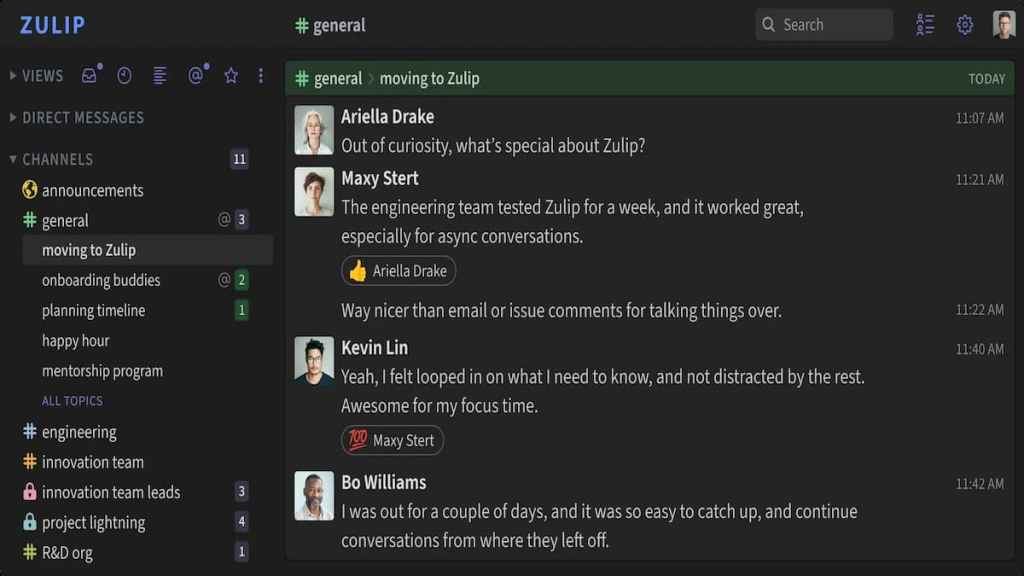 Image via Zulip
When I started my search for Discord alternatives, I wound up finding lots of corporate-oriented chat sites and apps that simply didn’t sit well with me as a gamer. Zulip, too, carries a corporate vibe, but I found it much less so than, say, Slack, whose primary purpose really is to bring companies and workers together in a simple way.
Zulip is easy to use and set up and has voice chat, DMs, channels, you name it. While it’s not as customizable as Discord, it’s probably one of the better, simpler ways to bring large numbers of people together under a single chat server.
Zulip can also be self-hosted and is an open-source software solution, allowing for much more control and privacy than Discord ever could. The number of features the free version provides is just enough to weather this coming storm, and who knows, it might even be something you and your group love enough to pay for. In any case, it’ll certainly prove useful.
SpacebarChat
 Screenshot by Destructoid
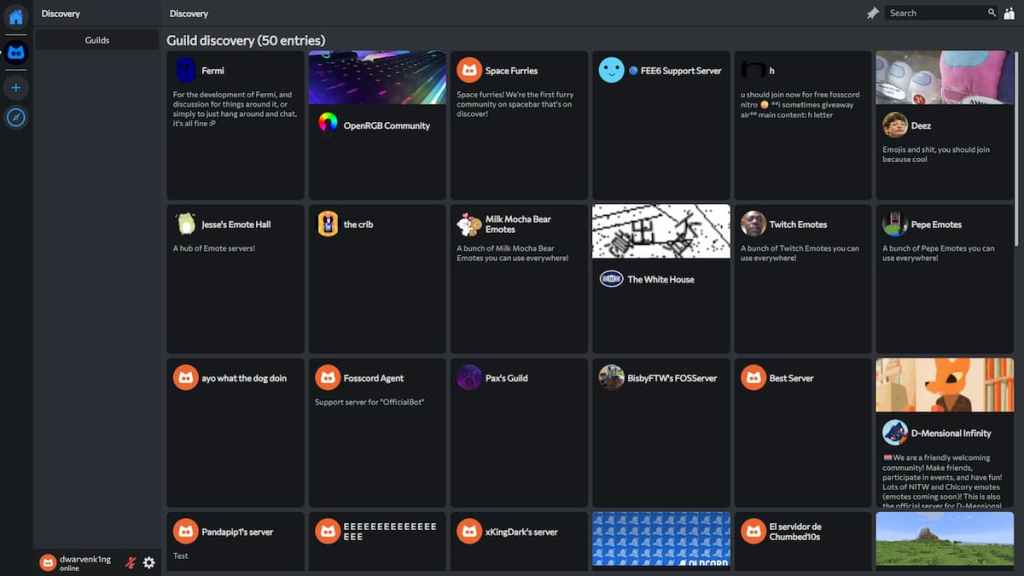
Spacebar.chat is a web-based, open-source Discord alternative that draws significant inspiration from the latter in both its UI and functionality.
It’s as close to Discord as you can get in a web-based environment, complete with servers, voice and text channels, friends lists, DMs, a broad and vibrant community, etc. Everything you did on Discord you can more or less do on Spacebar. It currently requires an account registration and runs through the fermi.chat instance, but it’s completely free and available to everyone.
It also has its GitHub page where you can review the code to your heart’s content, as it is, as I’ve said above, completely open-source and transparent and, therefore, user-oriented.
Root
 Root is a great Discord alternative, even if not the most private. Screenshot by Destructoid
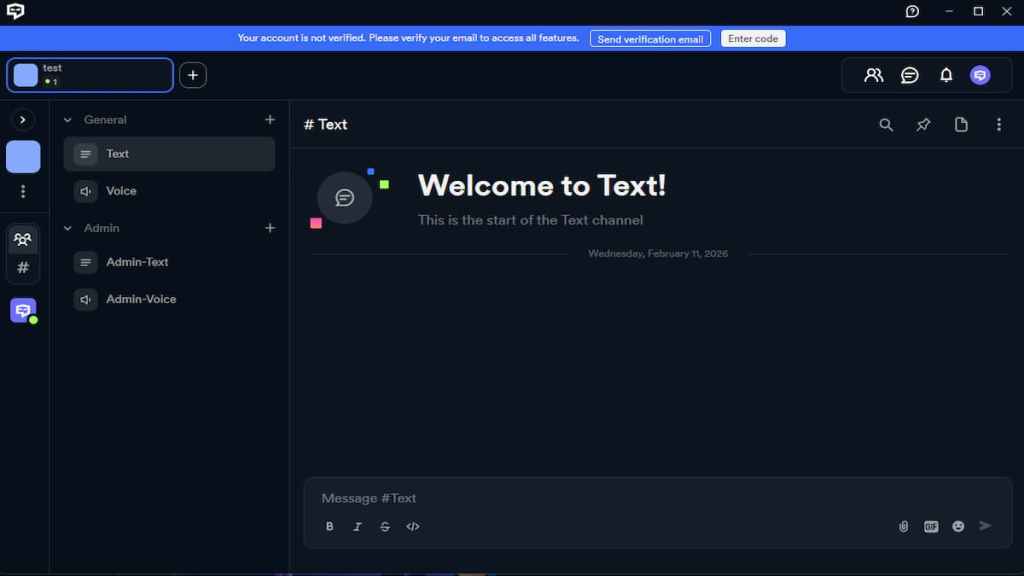
Yet another Discord copycat, RootApp is basically the same as both Discord and Spacebar, only that it can be downloaded as an app instead of being locked to a web-based environment. It’s even closer in feel and looks to Discord than Spacebar is and should make you feel right at home as soon as you cross over.
In fact, it’s so similar to Discord I had a hard time deducing whether it was just a skin for Discord itself. RootApp is, however, more inclined toward MMO players with dedicated raid planners and other ways to streamline raid communication but can serve a general purpose just as well.
Root also comes with its own suite of apps that can help you host your own servers with ease, with the full documentation available for review so your privacy and data remain protected and safe at all times.
TeamSpeak
 Screenshot by Destructoid
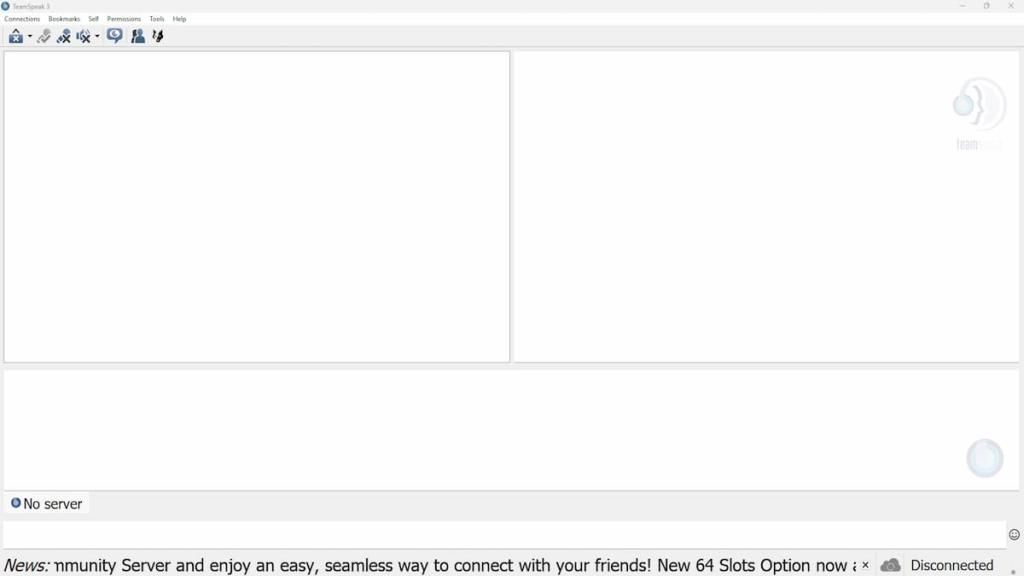
You knew this one was coming. TeamSpeak, specifically TeamSpeak 3, is one of the oldest and easiest-to-use voice chat programs ever made for the PC. While its UI might prove a bit archaic and not up to date, TeamSpeak is the pinnacle of private voice chat server hosting.
It doesn’t have much in the way of text-based communication, nor are its servers even remotely as customizable as those on Discord, but what it lacks in those areas it gains in tremendous voice-chat audio quality and low resource demands that will in no way hamper your gaming experience.
The average player today has merely 16GB of RAM installed, with Discord eating some 700MB in the background, whereas TeamSpeak 3 will barely even appear on your Task Manager. It’s lightweight and extremely functional, but it requires paid server hosting if you want a truly private experience.
Steam Chat (Groups)
 No place like home. Image via Steam
Steam Chat, both as a dedicated app and as part of Steam itself, is a highly functional, integrated way to communicate with your friends or larger groups of people. While not as detailed or as refined as Discord in any way, you can create infinite groups for free based on any niche you like.
The voice chat features are very good, with audio quality being almost too good (it picks up sounds you never knew were there). It can lag out sometimes, but it still remains one of the easiest ways to start talking with your friends, because who doesn’t use Steam these days?
After all, it’s part of the broader Steam experience, and Valve now has the opportunity of a lifetime to make Steam Chat into a comprehensive tool for communication, perhaps with custom servers, screen sharing, and other features that most Discord alternatives sorely lack.







 English (US) ·