
Domain or domain.com has been a significant name in the domain registrar world since 1999. One of the oldest brands out there, it’s been through a few acquisitions and is now part of Network Solutions. Over the years, it has expanded its domain services to also bundle in hosting accounts, and email hosting.
I’ve been purchasing and using domain names for over 20 years, while reviewing hosting products for more than 10 years. I’ve used that experience to evaluate Domain. That includes looking to see how simple signing up is, how competitive its prices are, and whether it’s worth recommending to people.
Domain: My experience
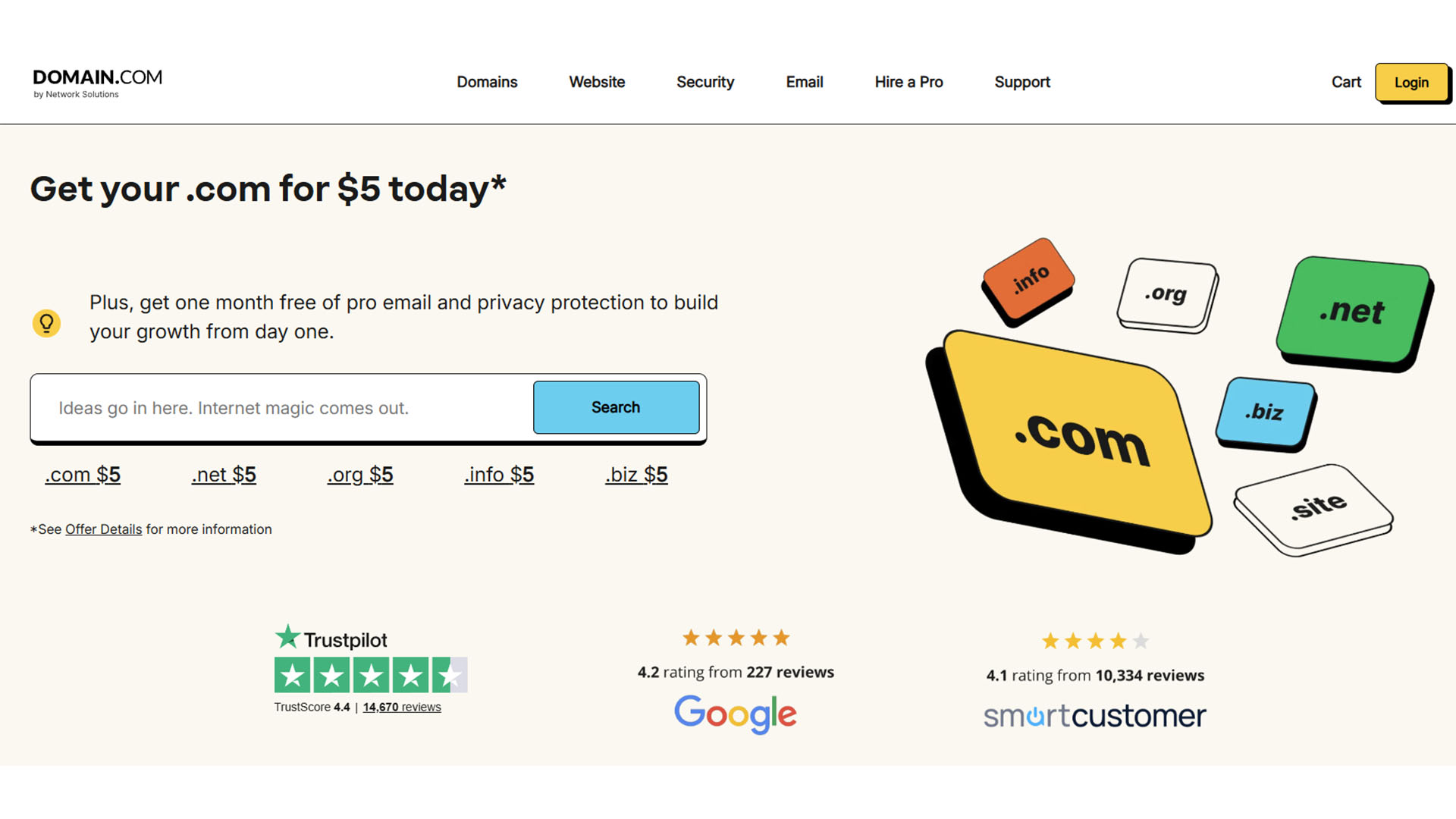
As with most domain services, Domain is easy enough to search through. Head to the site, type in the domain you’re considering and you get a bunch of domain results. The results are a little different from others, focusing on what Domain thinks will be your best options. That meant a search for Jenjea initially provided some related results like jenjho.net rather than TLDs connected to Jenjea. You need to toggle ‘View all TLDs’ to see the more traditional results.
There are filtering options but no way to organize by price. Each domain suggestion also includes explanations as to why they might be a good purchase. Hit Add to Cart and you’re given one month of domain privacy and protection for free, along with professional email. Further upselling comes from the domain switching to 3 years when you’re initially told the price for just one year. Make sure to check what you’re paying for. A lot of extras are automatically added to your basket that you need to opt out from.
Domain: Features
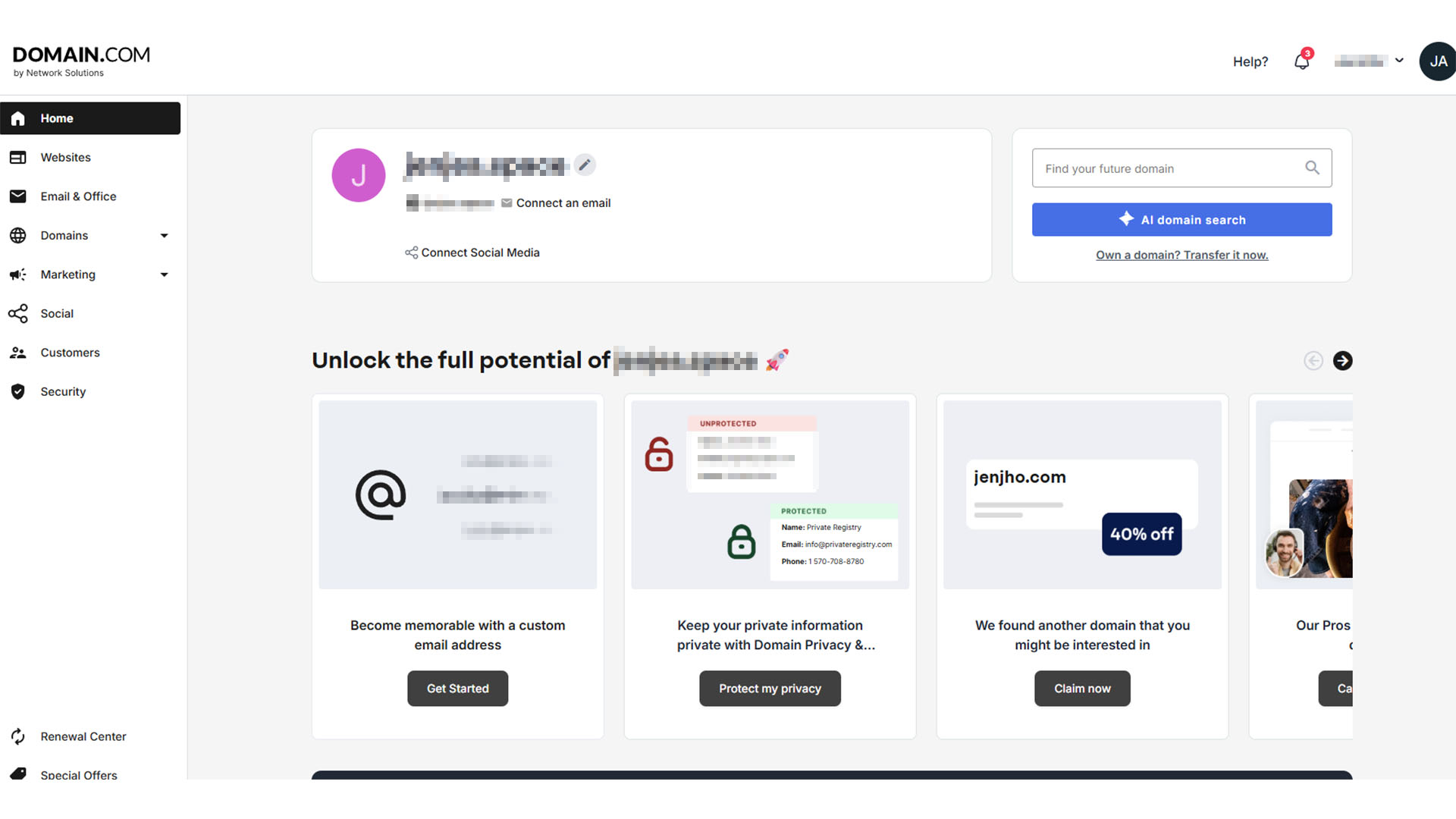
Domain is a service immediately keen on selling you more features. Without paying additional fees, you don’t really get any extras bundled in. It’s possible to add Whois privacy but that comes at a cost. At least a domain lock is included, so there’s no risk of unauthorized transfers.
Via the domain management page, you can easily connect your domain to a website or email hosting service, with Domain offering both if you need them. I’d recommend going elsewhere for the best value—why not consider our list of the best free web hosting services? Even domain forwarding isn’t free so potentially, your very cheap domain could end up much more expensive than other options.
All the core features are here. It’s just unfortunate that very few are freely available and many are focused on upselling. Even the dashboard promotes all the other similar domain names you may wish to purchase.
Domain: User experience
As soon as you purchase a domain, Domain offers suggestions such as setting up coming soon pages, creating a logo, forwarding the domain, and much more. It’s a little muddled, and not everything is free.
That trend continues with the rest of the Domain dashboard. There’s a strong focus on promoting additional services — whether that’s domain privacy or something much pricier. It’s still pretty simple to find the things you need like nameservers, but there’s a cynicism to how things are laid out at times.
Domain review: Customer support
Domain offers reasonable support options. There’s phone support based in the US, a comprehensive knowledge base, and live chat. The latter is AI-based starting out, but if you simply ask to talk to a human, you get connected pretty quickly.
There’s no ticket system though which is an annoying omission if you’d prefer to leave a ticket and come back later. Still, live chat is reasonably effective at solving queries quickly.
Domain: Pricing
Swipe to scroll horizontally
.xyz | $14.99 |
.com | $5 |
.eu | $34.99 |
.net | $14.99 |
.org | $14.99 |
Domain is an interesting one for pricing. Sometimes it’s very cheap, with some popular TLDs like .com .org and .net costing just $5 — but when it comes to more unusual options like .xyz, it can get much more expensive than competitors.
There’s also the matter of everything having an additional fee. Prices exclude the ICANN fees but also domain privacy protection, a SSL certificate, domain expiration protection, and anything else you can think of that’s adjacent to actually just buying the domain.
Domain: Specs
Swipe to scroll horizontally
Lowest price from | $1.99 (.xyz) |
Highest price from | $5,000 (.com |
Search tools | Standard search, bulk, by TLD groups, AI search |
Other services | Web hosting, WordPress hosting, email hosting |
Should I buy Domain?
Swipe to scroll horizontally
Features | Domain has all the features you need. For a price. | 4/5 |
User experience | Simple to use and buy multiple domains if a little cluttered. | 3.5/5 |
Value | Expensive first years followed by many additional fees and pricey renewals makes this poor value. | 2/5 |
Buy it if...
- You want a large domain portfolio. Domain makes it very easy to buy multiple domains quickly. If you want to flip domains or protect your brand, this is a simple option.
- You need guidance. Domain is keen to promote its other services and help you set up a landing page, create a logo, and more, so it’s a reliable, straightforward solution (for a price).
- You want to add features as you go. By charging individually for many of the features, you could potentially get a bargain if you’re shrewd.
Don't buy it if...
- You want straightforward pricing. Domain is a little sneaky, suggesting prices are low till you bear in mind how many extras you ideally need.
- You want ticket support. If you don’t want to sit around on live chat, Domain’s support isn’t ideal.
- You want the cheapest domains. Domain is far from the cheapest in most cases even if it looks it at first.
Domain: The Competition
- Dynadot: If you’re looking for cheap domains and common TLDs, Dynadot is a better solution. It’s fairly basic but perfect for a quick few purchases.
- GoDaddy: For an all-in-one solution that works well despite getting a little pricey, GoDaddy is a good option. It’s appealing, easy to figure out, and an ideal choice for long-term commitments.
- NameCheap: Namecheap offers fairly cheap domains depending on your plans, and is very easy to use. It’s an easy recommendation to make.
How I tested Domain
- Created account and purchased two domain names
- Searched for other domains
- Evaluated how easy management services are
I searched for domain names using Domain and then purchased two of them. Along the way, I compared prices with competitors and also looked at how simple the process was. This included investigating the many extra fees for services that would have been useful if they’d been included, and looking at how pushy Domain was at promoting extra services. I also looked at how easy it was to change or cancel services.








 English (US) ·