
 2 weeks ago
23
2 weeks ago
23
Asus B850-F Gaming Wifi Neo is one of the best B850 refresh motherboards, but at a high price. At
$319.99, it’s one of the more expensive non-Mini ITX B850-based boards, eclipsed only by Gigabyte’s B850 AI Top for $350 and the B850-E Gaming Wifi (~$350 MSRP). For the money, it’s a top-of-the-line board for the mainstream platform, offering users a premium aesthetic, high-quality hardware, and a long feature list including AI Intelligence, a clock generator for overclocking, loads of USB ports, and a slew of EZ PC DIY functions to help make building easier. If we didn’t tell you, one might believe it was an X870 board by specifications alone (and maybe price), blurring the lines between enthusiast and mainstream platforms.
Hardware-wise, it has just about everything you want from an AM5 motherboard. You get four M.2 sockets (2 PCIe 5.0) and two SATA ports for storage, plenty of USB ports on the rear IO (and front panel, 23 total according to Asus), robust power delivery and a BCLK generator for overclocking, a quality audio solution with integrated amplifier, and a good-looking appearance, It uses multiple ‘AI’ features including AI Cache/Cooling II/Networking II, and several EZ PC DIY items like M.2 Q-Release, Q-Slide and M.2 Q-Latch, 5 GbE and Wi-Fi 7 networking, and finally, sports a unified all-black look that’s sure to look good with any black/dark themed build. That said, it’s not without some drawbacks. I would like to see at least one USB 4 port on a high-end B850 board, and the two SATA ports could be limiting for users who haven’t moved over to M.2 storage. But overall, those are minor dings.
On the performance front, the board did well and was average to above average for most tests. There were a couple of outliers that fell below average, but nothing to worry about. It performed well across a wide variety of tests from office productivity to rendering and gaming; the B850-F Gaming Wifi Neo showed its mettle through our testing suite.
Below, we’ll examine the B850-F Gaming Wifi Neo’s performance and other features and find out if it has a chance to make our list of the
best motherboards. But before we share test results and discuss details, here are the specifications from the ASRock website:
Specifications of the B850-f Gaming Wifi Neo
Swipe to scroll horizontally
Socket |
AM5 (LGA 1718) |
Chipset |
B850 |
Form Factor |
ATX |
Voltage Regulator |
20 Phase (16x 80A DrMOS MOSFETs for Vcore) |
Video Ports |
(1) HDMI (v2.1) |
USB Ports |
(2) USB 3.2 Gen 2 (10 Gbps) Type-C |
Network Jacks |
(1) 5 GbE |
Audio Jacks |
(2) Analog plus SPDIF |
Legacy Ports/Jacks |
✗ |
Other Ports/Jack |
✗ |
PCIe x16 |
(1) v5.0 (x16) |
PCIe x8 |
✗ |
PCIe x4 |
✗ |
PCIe x1 |
✗ |
CrossFire/SLI |
✗ |
DIMM Slots |
(4) DDR5-8400+(OC) DDR5-9200 with APU, 256GB Capacity |
M.2 Sockets |
(2) PCIe 5.0 x4 (128 Gbps) / PCIe (up to 80mm) |
SATA Ports |
(2) SATA3 6 Gbps |
USB Headers |
(1) USB v3.2 Gen 2x2 (20 Gbps) Type-C |
Fan/Pump Headers |
(8) 4-Pin (Accepts PWM and DC) |
RGB Headers |
(3) 3-pin ARGB Gen2 headers |
Diagnostics Panel |
Q-LEDs (CPU/DRAM/VGA/Boot) |
Internal Button/Switch |
Start button |
SATA Controllers |
✗ |
Ethernet Controller(s) |
(1) Realtek RTL8126 5 GbE |
Wi-Fi / Bluetooth |
MediaTek MT7925 Wi-Fi 7 - 160 MHz, 6 GHz, BT 5.4 |
USB Controllers |
ASMedia ASM1074/1543, Realtek RTS5411 |
HD Audio Codec |
Realtek ALC4080, Savitech SV3H712 Amp |
DDL/DTS |
✗ / ✗ |
Warranty |
3 Years |
Inside the Box
Inside the box along with the motherboard are a few accessories to get you started. You get the usual fare from a budget board, including SATA cables, a Wi-Fi antenna, guides, and more. Nothing stands out in this accessory stack, but it should help get you started.
Latest Videos FromTom's Hardware
- (2) SATA cables
- ASUS WiFi Q-Antenna
- Cable ties package
- M.2 Q-Latch package
- M.2 Q-Slide package
- ROG key chain
- ROG Strix stickers
- (3) M.2 rubbers
- M.2 backplate rubber package(s)
- Quick start guide
Design and Features of the Gaming Wifi Neo
Image 1 of 7
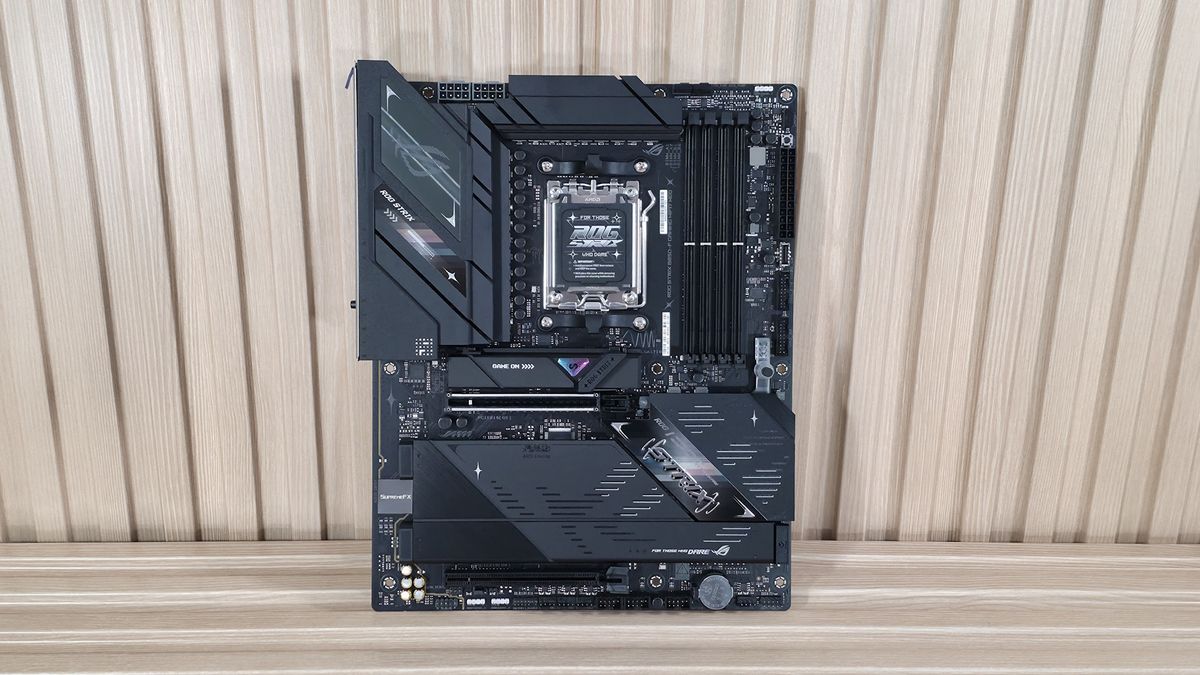
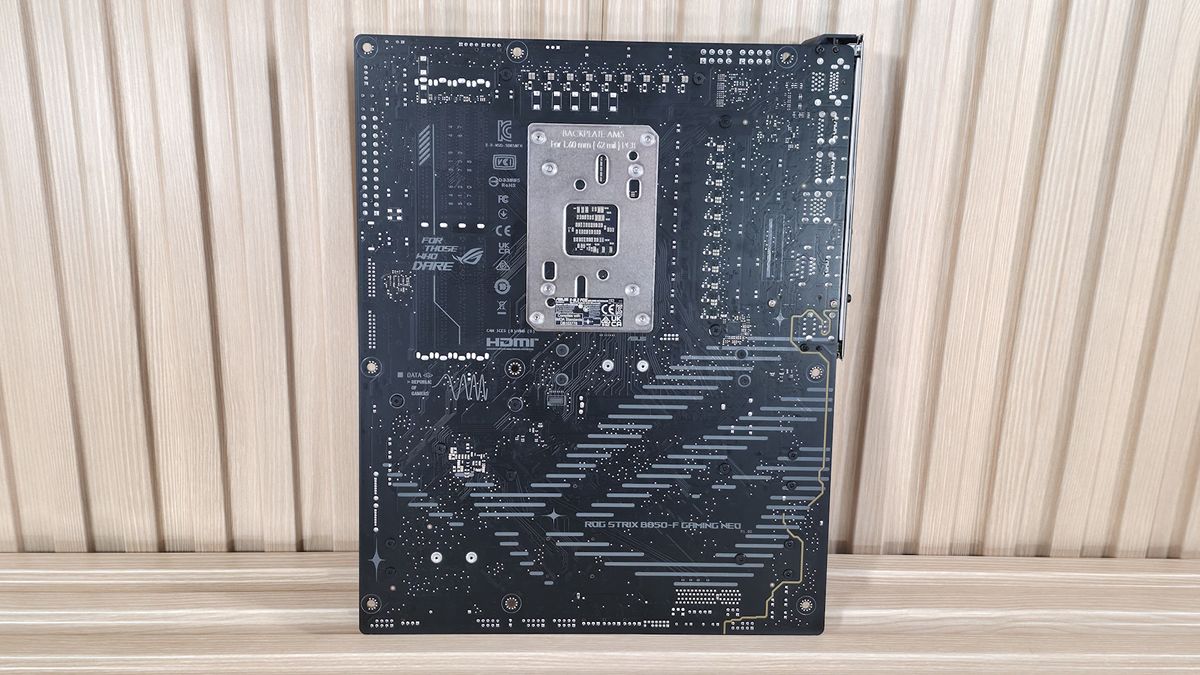
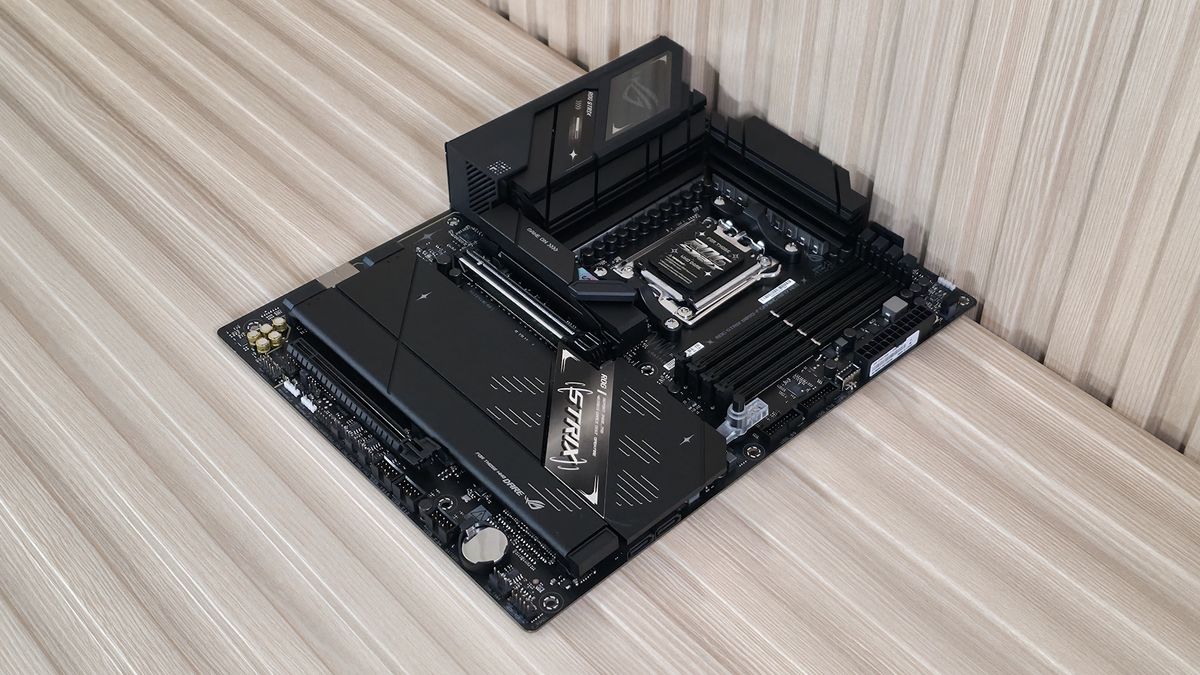
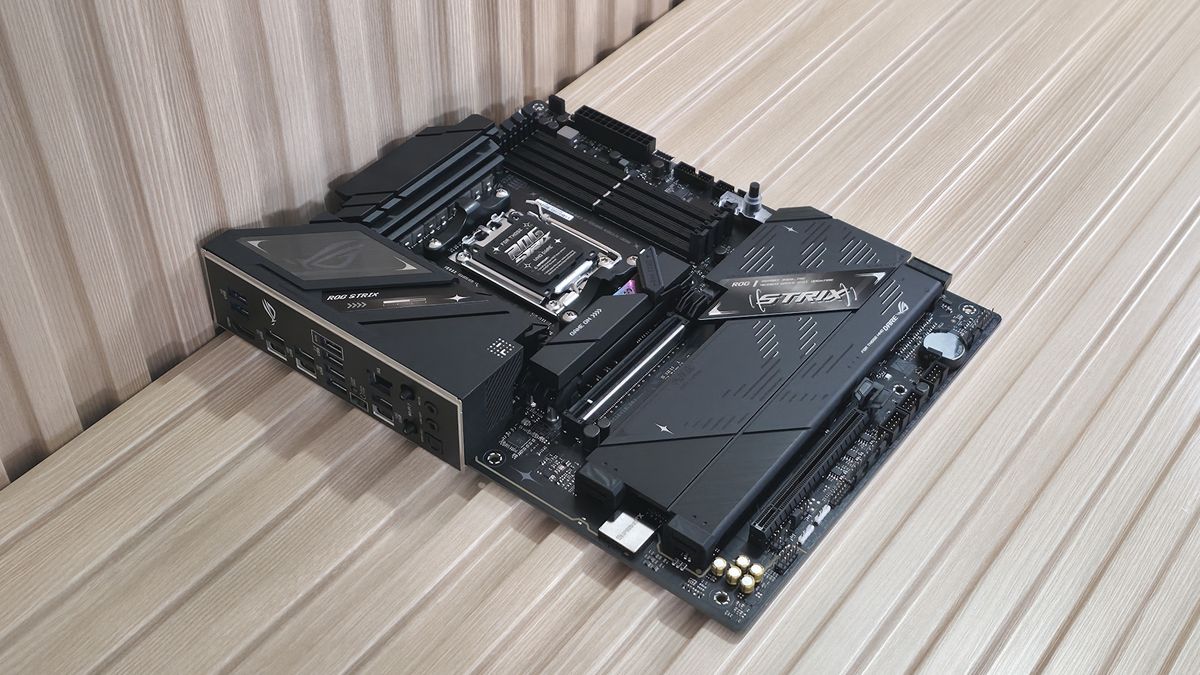
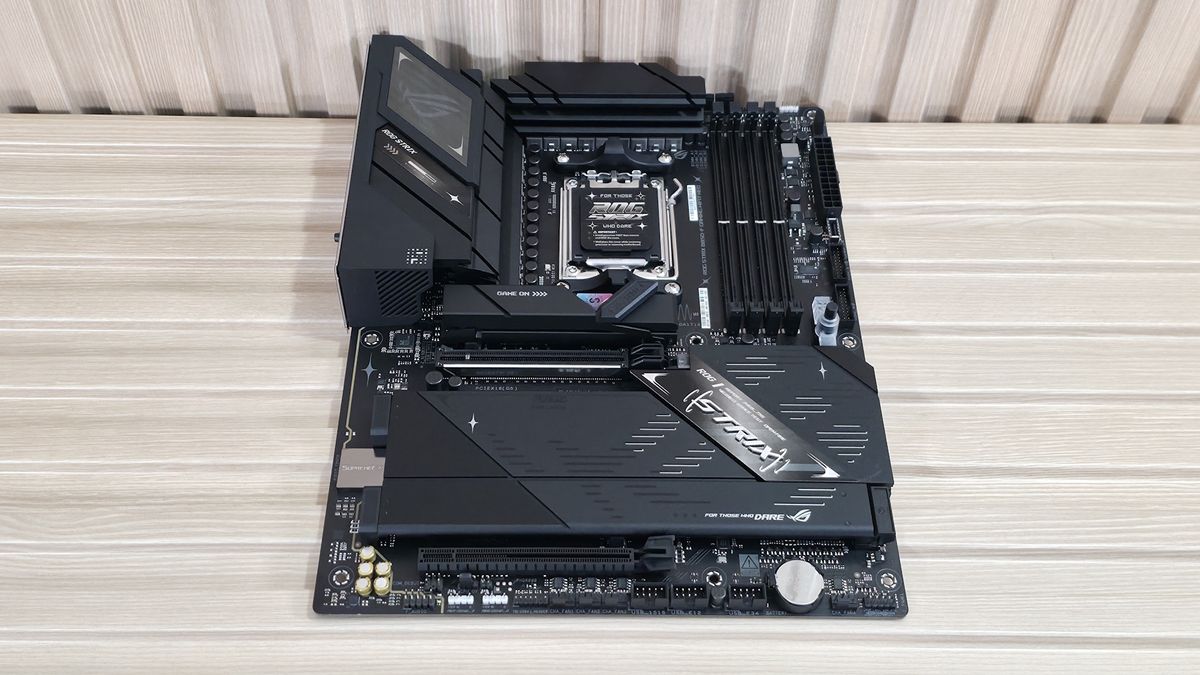
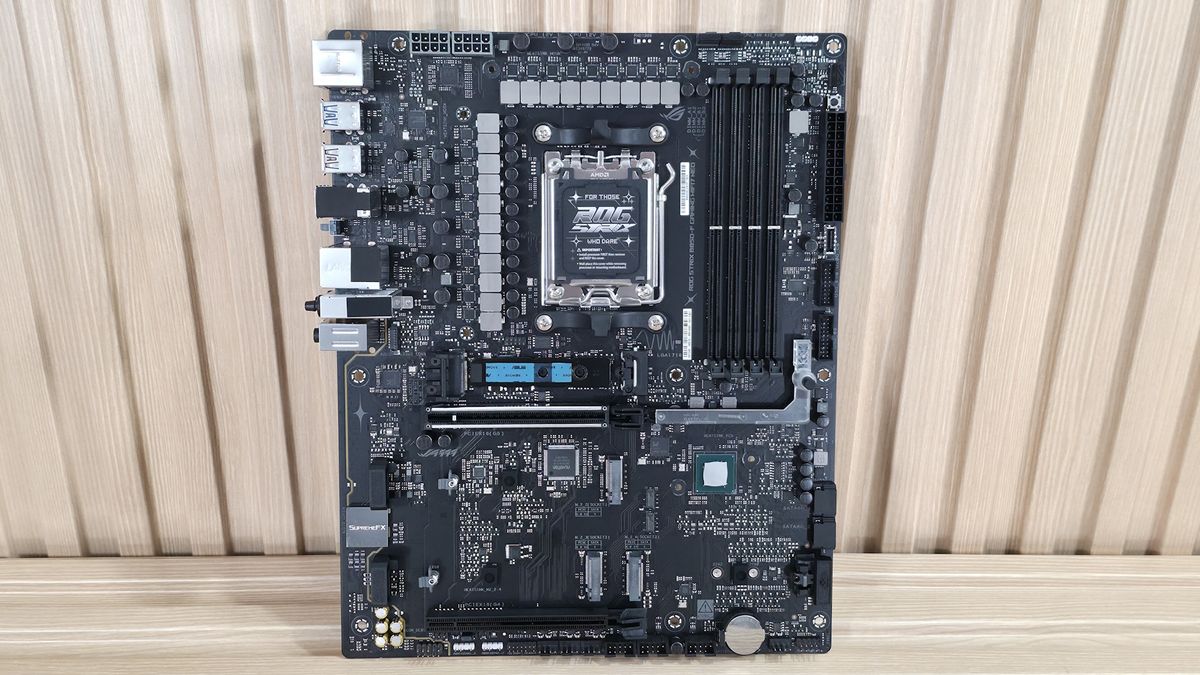
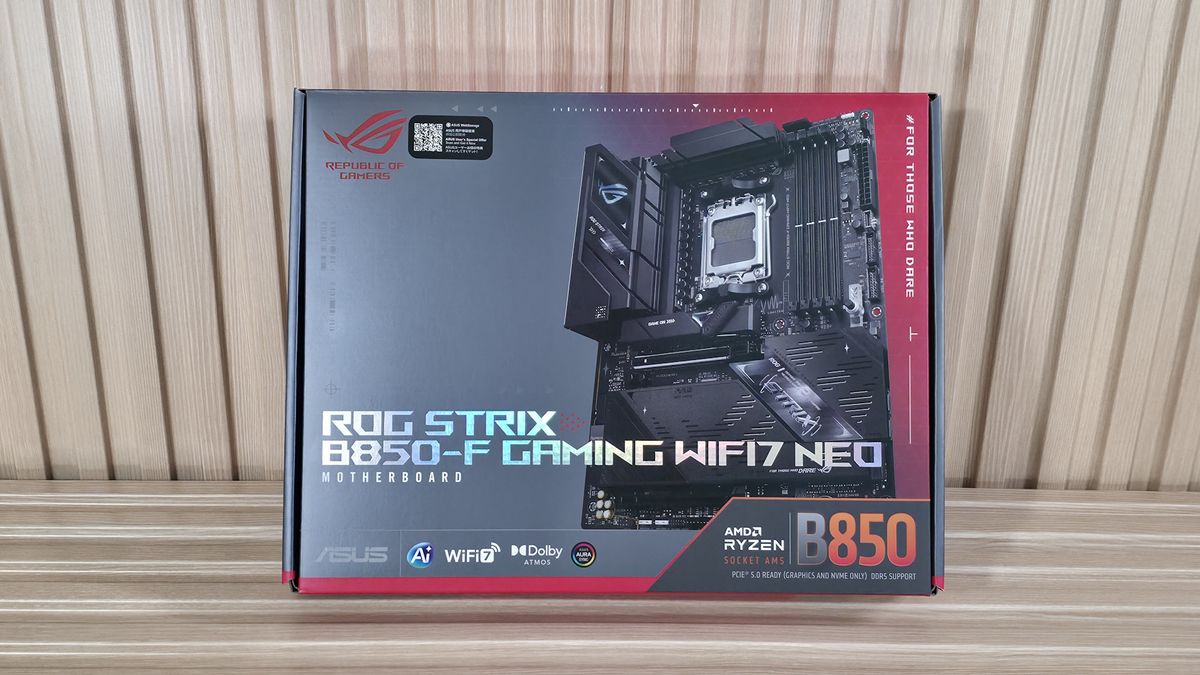
Compared to the existing B850-F Gaming Wifi, the biggest differences aesthetically on the updated Neo are the plate-style heatsinks on the bottom half of the board. The new one goes monochrome (black and grey) with a brushed aluminum feature on the left and a matte finish on the rest, still retaining its 8-layer PCB (1 Oz copper) design. A ROG symbol made by horizontal lines yields a more premium appearance than the previous B850-F non-Neo version. The left VRM heatsink cleans up the RGB feature (ROG symbol) a bit and is the only integrated lighting, giving off a subtle glow. The primary M.2 heatsink also receives a minor facelift, adding a small triangle sticker with an “S” on it and replacing the “ROG Strix” branding with “Game on”.
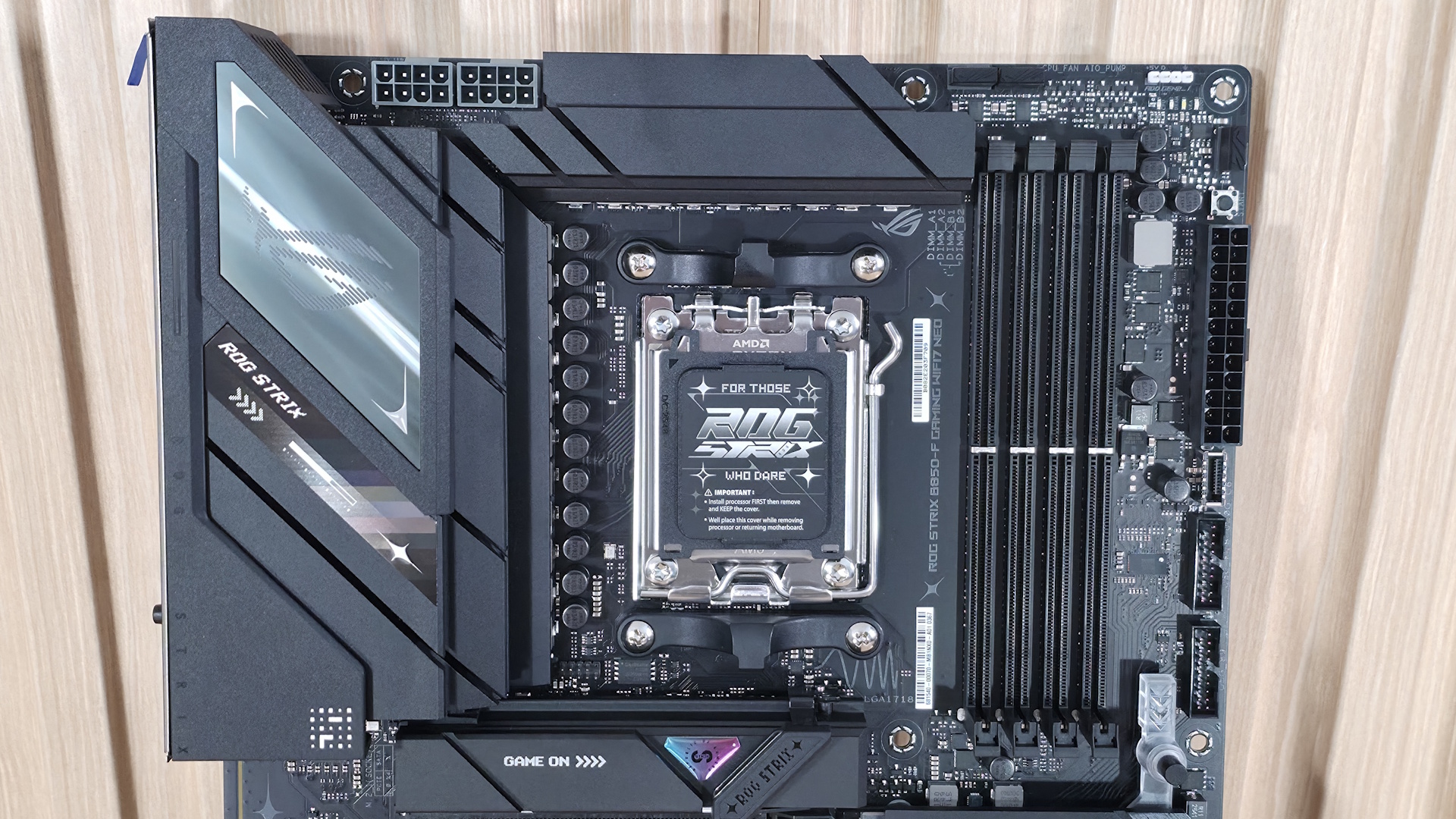
Starting at the top-left corner, you can see the dual ProCool 8-pin EPS connectors to power the CPU, surrounded by two large heatsinks. The heatsink on the left has plenty of mass and surface area to be effective, and the other individual heatsink on top had no problems keeping the VRMs running in spec. This area also houses the only RGB feature on the board; in this case, a pixelated ROG symbol is your bling.
To the right of the socket area are the four DRAM slots with locking mechanisms on the top. Asus lists support for desktop processors up to DDR5-8400 and APUs up to DDR5-9000. We didn’t have any issues with our two slower kits, but our Klevv DDR5-8000 kit wasn’t stable for 30 minutes (it lasted 18). That said, our Klevv kit wasn’t on the support list, so the result makes sense. As always, for your best chance at compatibility, stick to the memory QVL.
Above the DRAM slots are the first two (of eight) 4-pin fan/pump headers (CPU_FAN and AIO_PUMP). Each header supports up to 1A/12W. And while that’s not a lot considering some motherboards support up to 3A/36W, it should still be plenty for most configurations. Just be sure not to overload the headers. The BIOS or Asus Motherboard Manager (Fan Xpert) controls these devices, offering custom control, including hysteresis functionality that not all have.
Just to the right of that is the first (of three) 3-pin ARGB headers, also controlled through Asus Motherboard Manager. Below that is the Q-LED feature that lights up during the POST process. If there’s a problem during this critical startup time, the offending LED (red CPU, yellow DRAM, white VGA, green Boot) remains lit. This isn’t as detailed as the 2-character POST code display, but is still helpful.
Making our way down the right edge, we run into another 4-pin fan header (CPU_OPT) and below that a simple start button to turn the PC on without connecting to, or needing to jump, the front panel header. Continuing down the edge, we find the 24-pin EPS connector, your front panel USB 3.2 Gen 2x2 (20 Gbps) Type-C connector (the fastest on the board), and two 19-pin USB 3.2 Gen 1 (5 Gbps) headers - one more than the original B850-F Gaming Wifi.
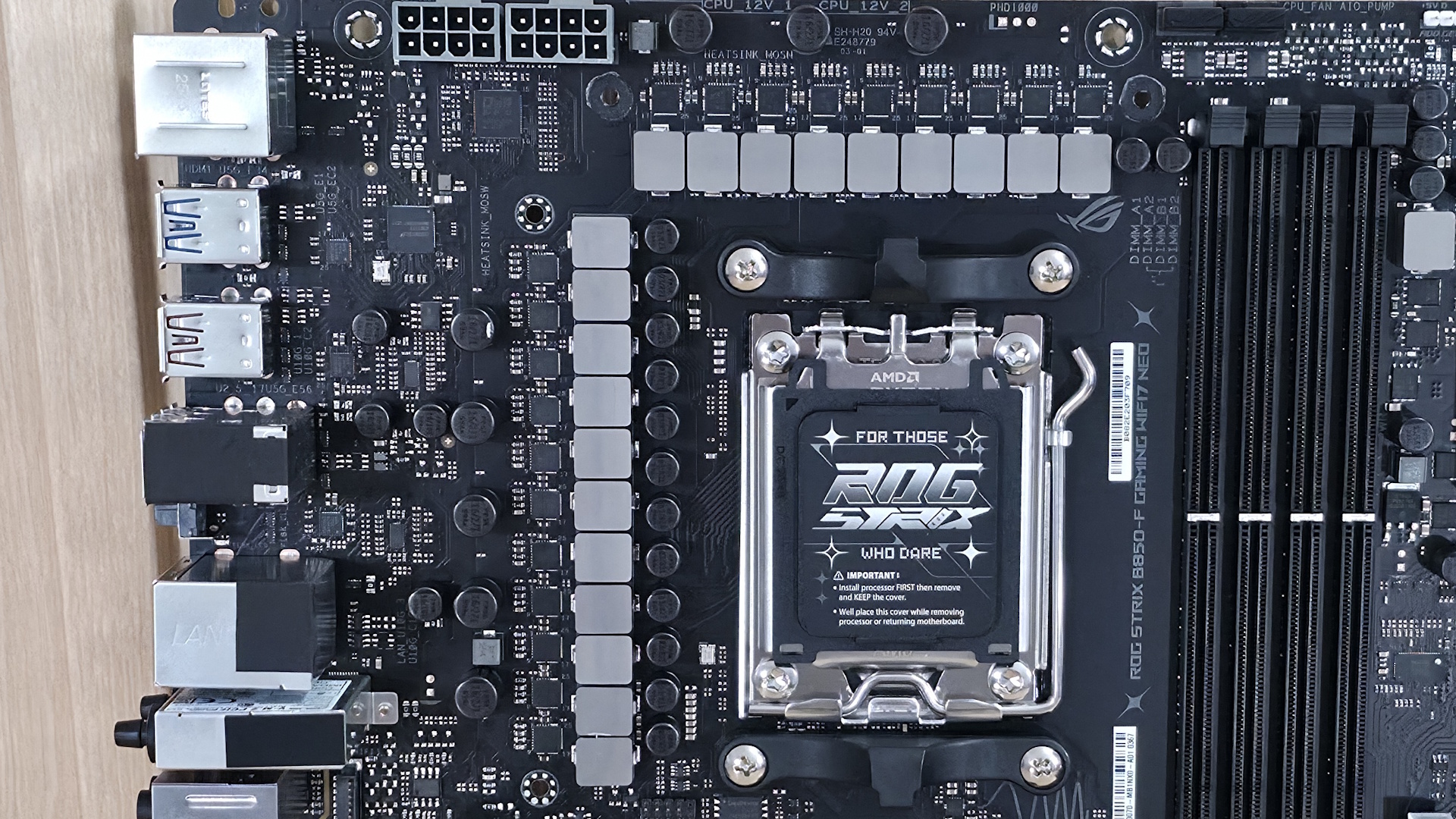
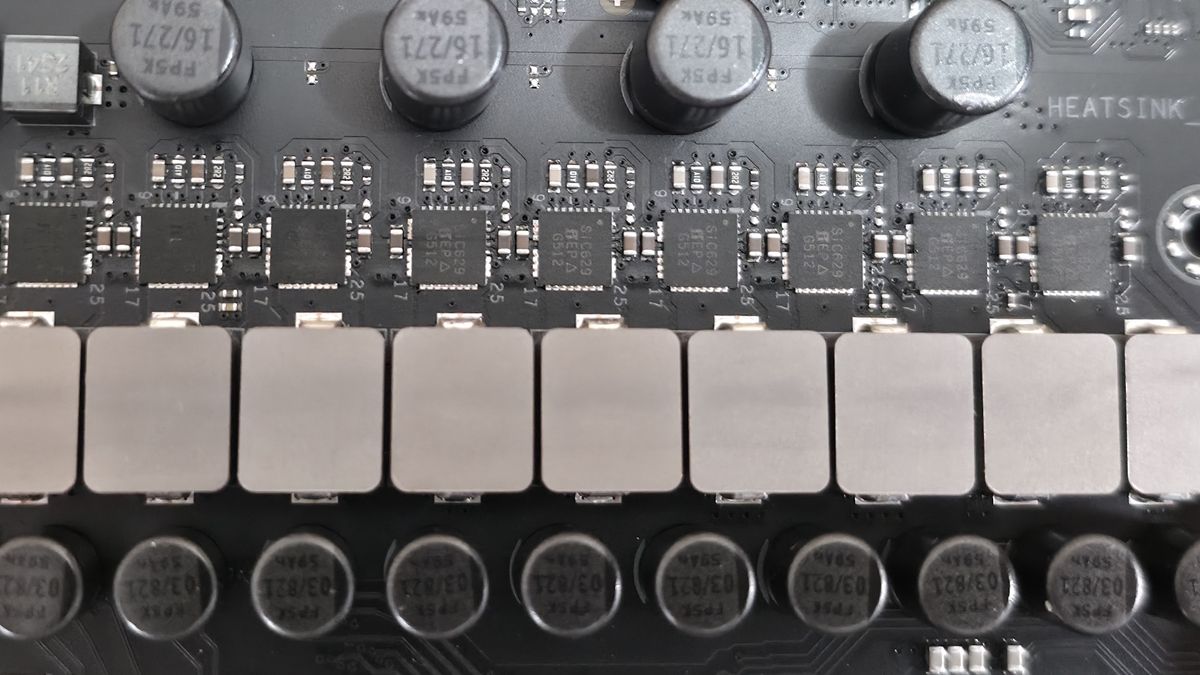
Power delivery on the B850-F Gaming is the same robust configuration we saw on the original. There are a total of 20 phases, with 16 dedicated to Vcore. Power heads from the 8-pin EPS connectors and on to the Digi+ (read: ASP2308CGQW PWM controller). From there, power moves to the Vishay Sic829 80A DrMOS MOSFETs. The 1,280A available is enough for any processor, whether it’s stock or overclocked. In short, the VRMs and heatsinks won’t have any issues, even with a Ryzen 9 9950X or the Ryzen 9 9950X3D2 crunching away.
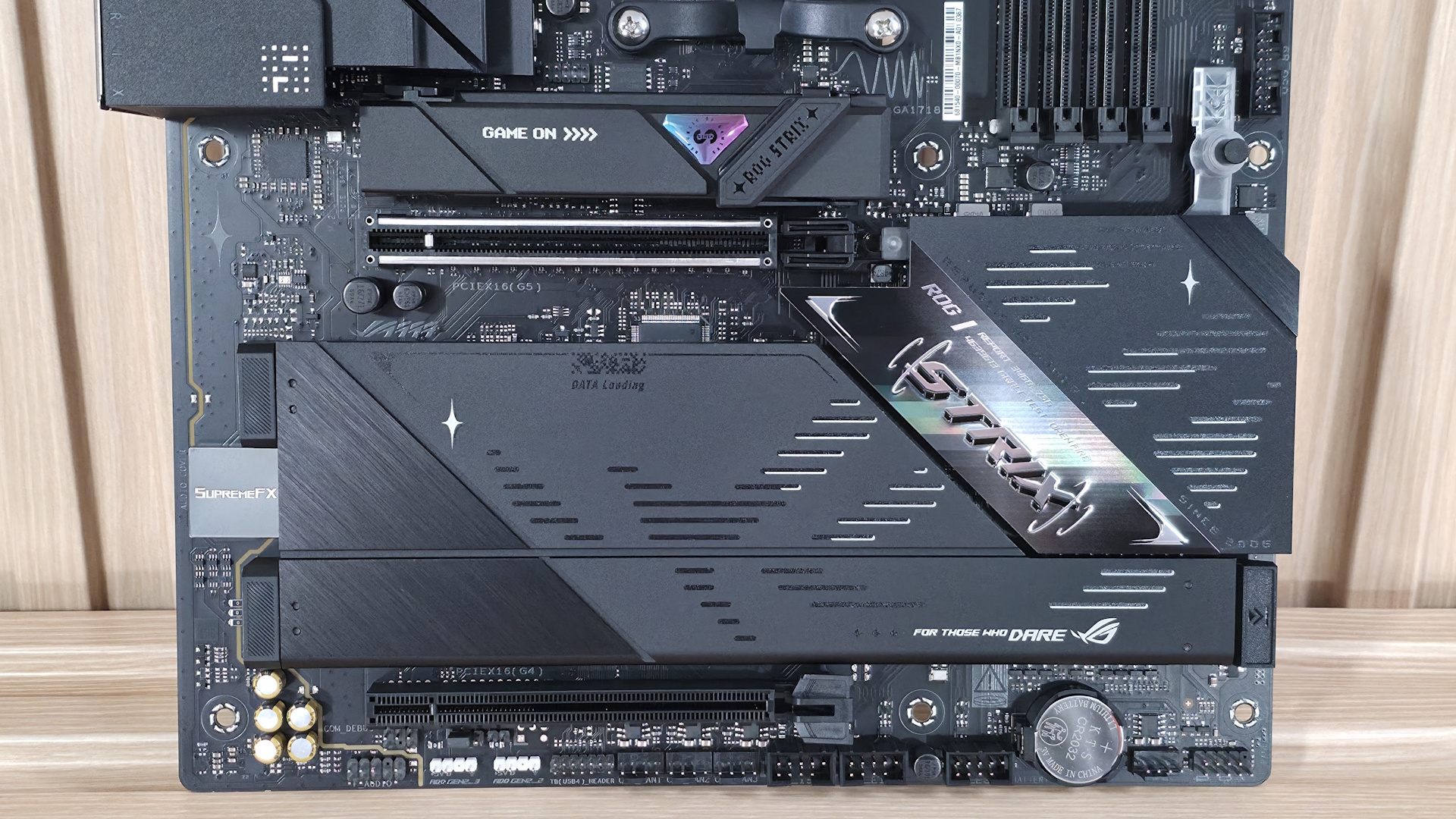
On the bottom of the board, we’ll start on the left with the audio section. Hidden under the shiny SupremeFX shroud is the Realtek ALC4080 audio codec along with dedicated capacitors and a Savitech SV3H712 amplifier. While not the flagship codec (the ALC4082 is), it’s a solid audio solution, especially for a B850-class board.
In the middle are two full-length PCIe slots. The top slot, the primary slot for graphics, connects through the CPU and runs up to PCIe 5.0 x16 (no bifurcation). This slot uses Asus’ PCIe Slot Q-Release, where you press a button to release the locking mechanism. The second full-length slot connects through the chipset and runs up to PCIe 4.0 x4, offering plenty of bandwidth for expansion.
Mixed in among the PCI slots are four M.2 sockets. The top-most, above the primary PCIe slot and using the large, tool-free M.2 Q-Latch and Q-Release heatsink, supports up to PCIe 5.0 x4 speeds, while M.2_2 under the larger quick-release plate heatsink is the second 5.0-capable socket. Also hiding below their own quick-release plate heatsink (note: the Q-Release heatsinks on the Neo are an upgrade from the original B850-F Gaming Wifi) are two more M.2s, and these are PCIe 4.0 x4-capable. The primary M.2 heatsink made light contact with the controller on top and no contact on the bottom. If you plan to beat on these hot-running, fast PCIe 5.0 drives with sustained transfers, it’s best to use your own heatsink or get slightly thicker thermal pads to ensure it doesn’t throttle.
Moving right and past the chipset to the edge are your two SATA ports. Last, we've also included a few images of the active ICs for the board. Asus uses a combination of Realtek (audio, networking), ASMedia (USB), and Vishay (MOSFETs) bits for various functions.
Image 1 of 7
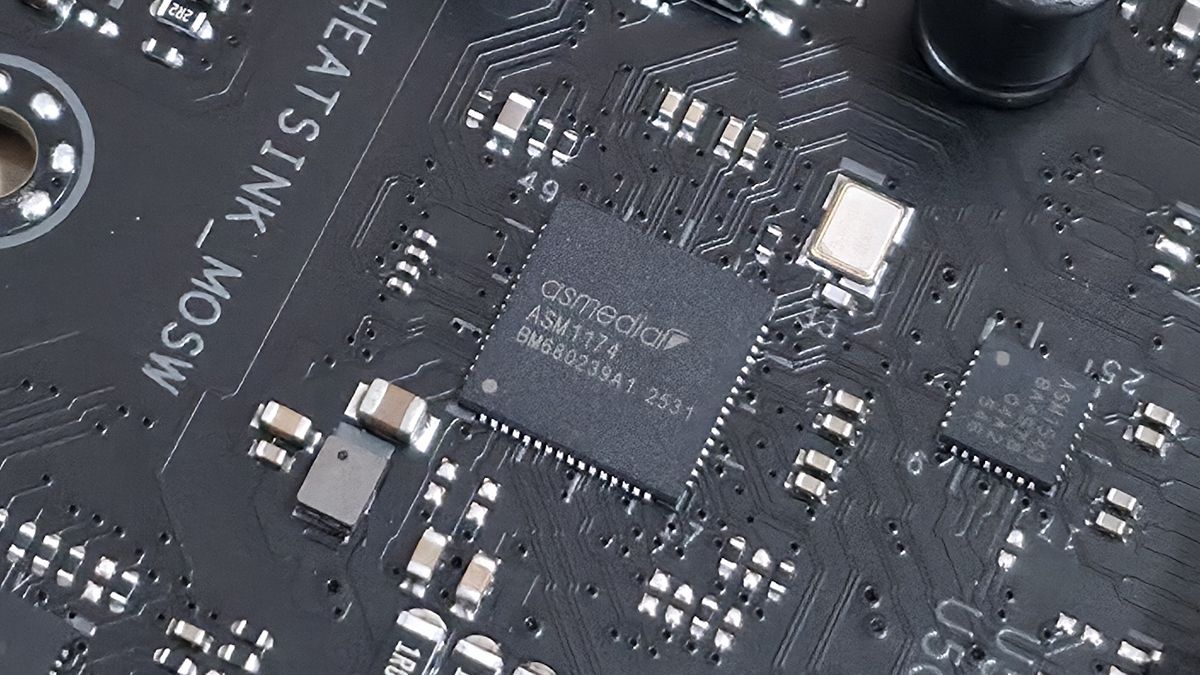
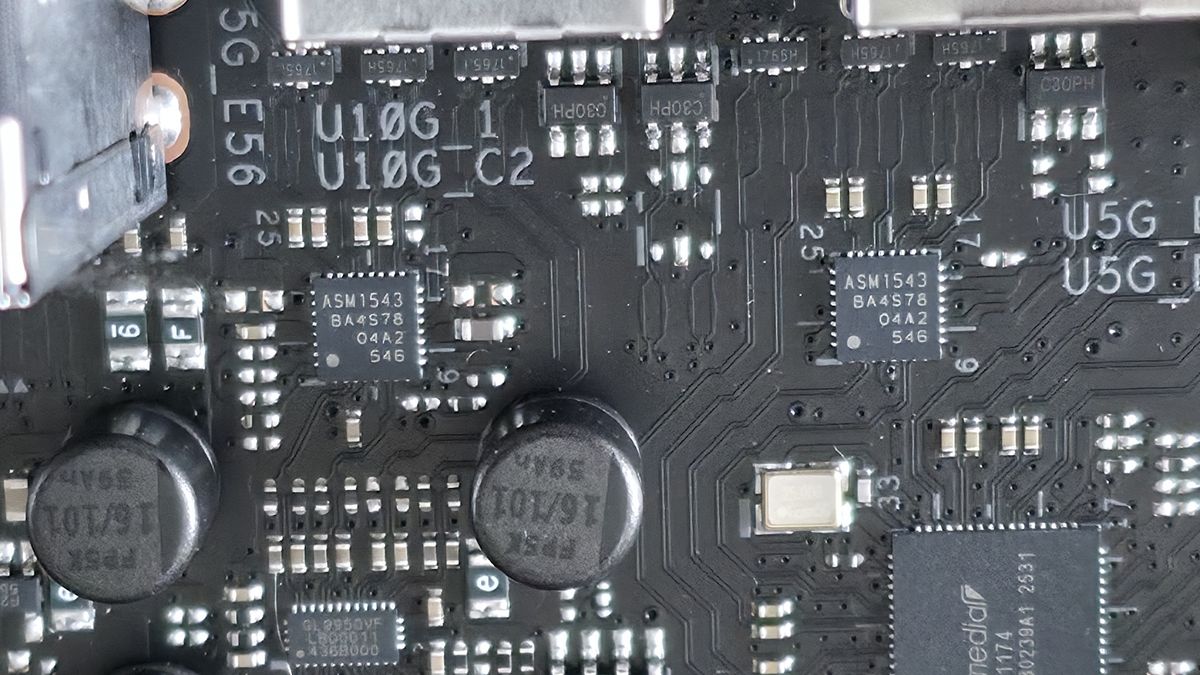
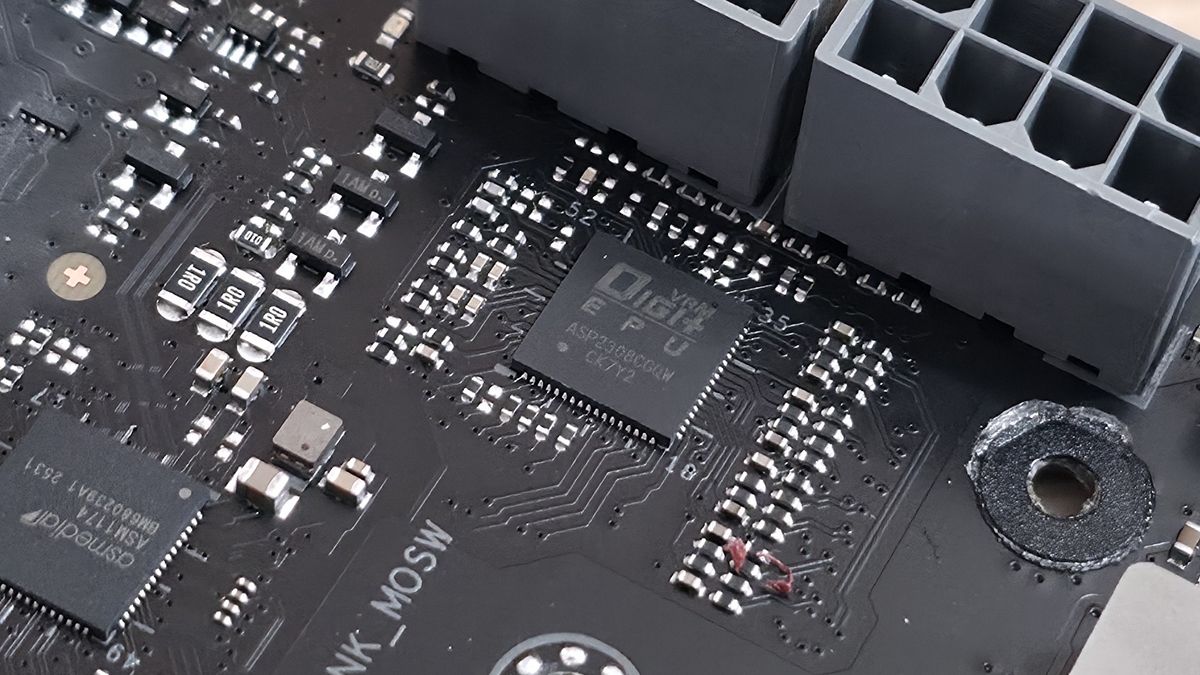
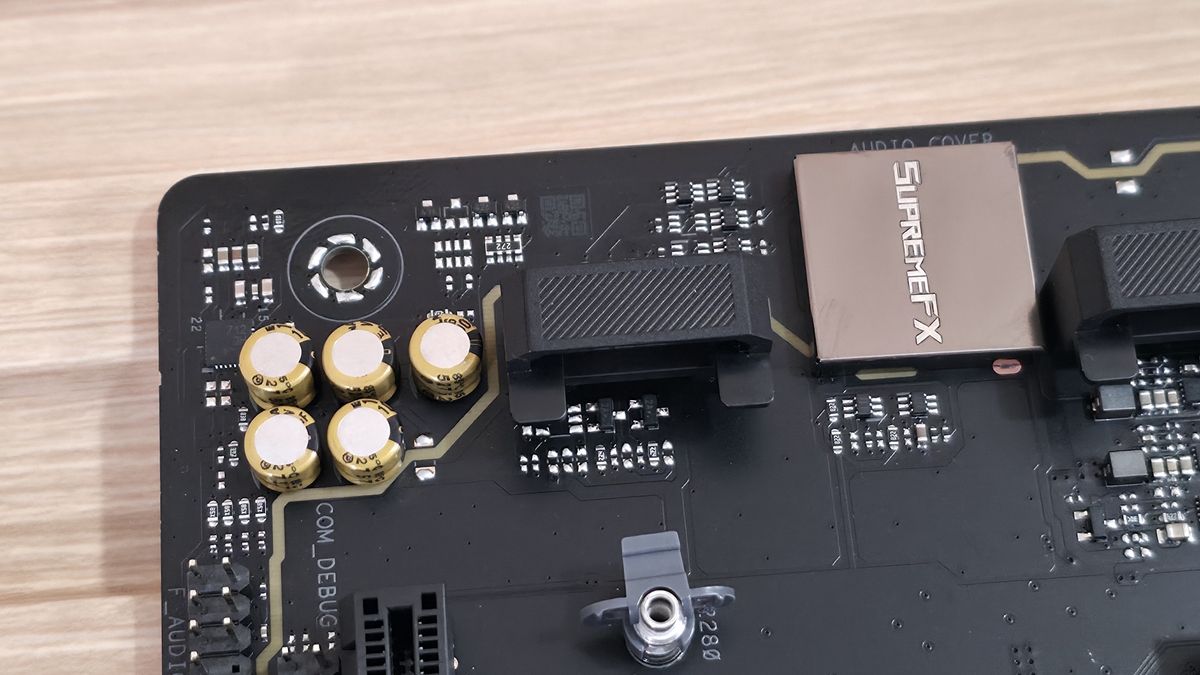
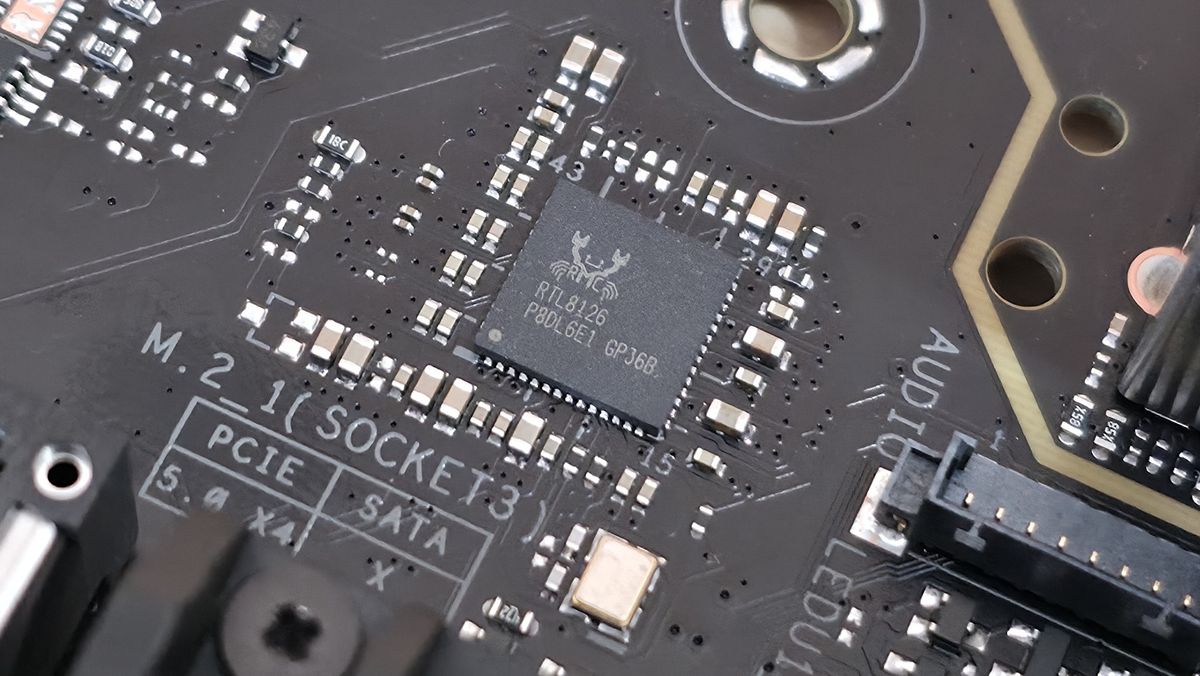
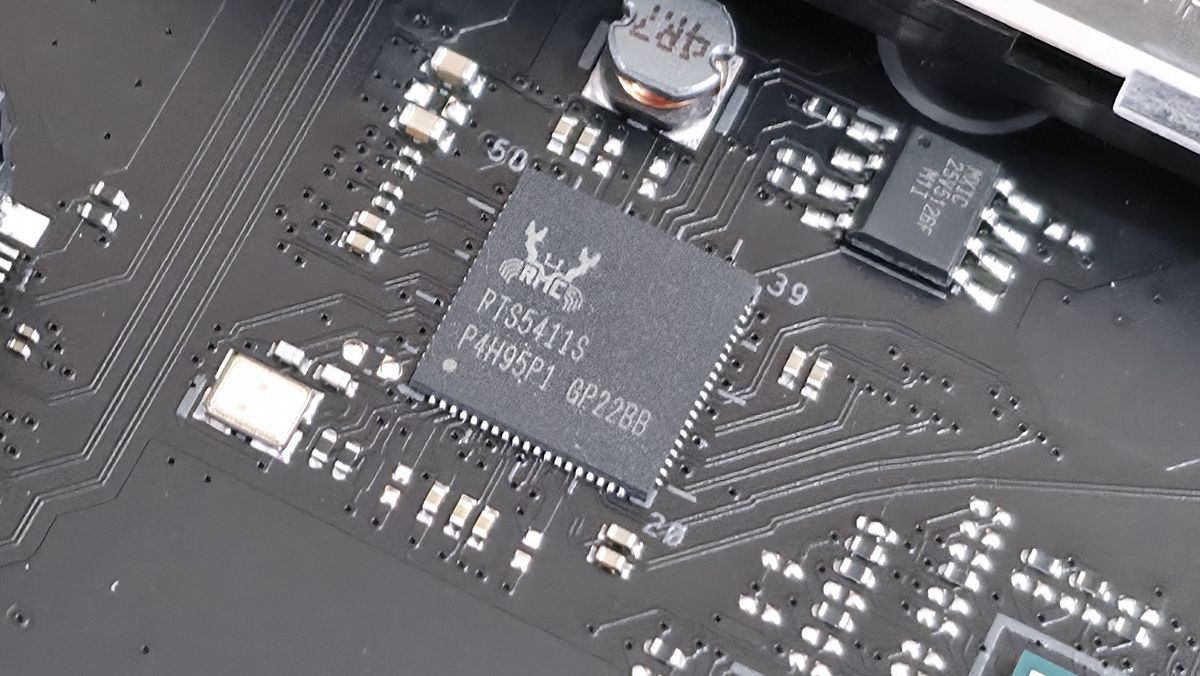
At the bottom are several headers, including front-panel audio and USB ports. A complete list of connectivity is listed below (from L to R):
- Front panel audio
- (3) 2-pin thermistor headers
- (2) 4-pin RGB headers
- Thunderbolt/USB4 header
- (3) 4-pin fan headers
- (3) USB 2.0 headers
- 4-pin fan header
- Front panel
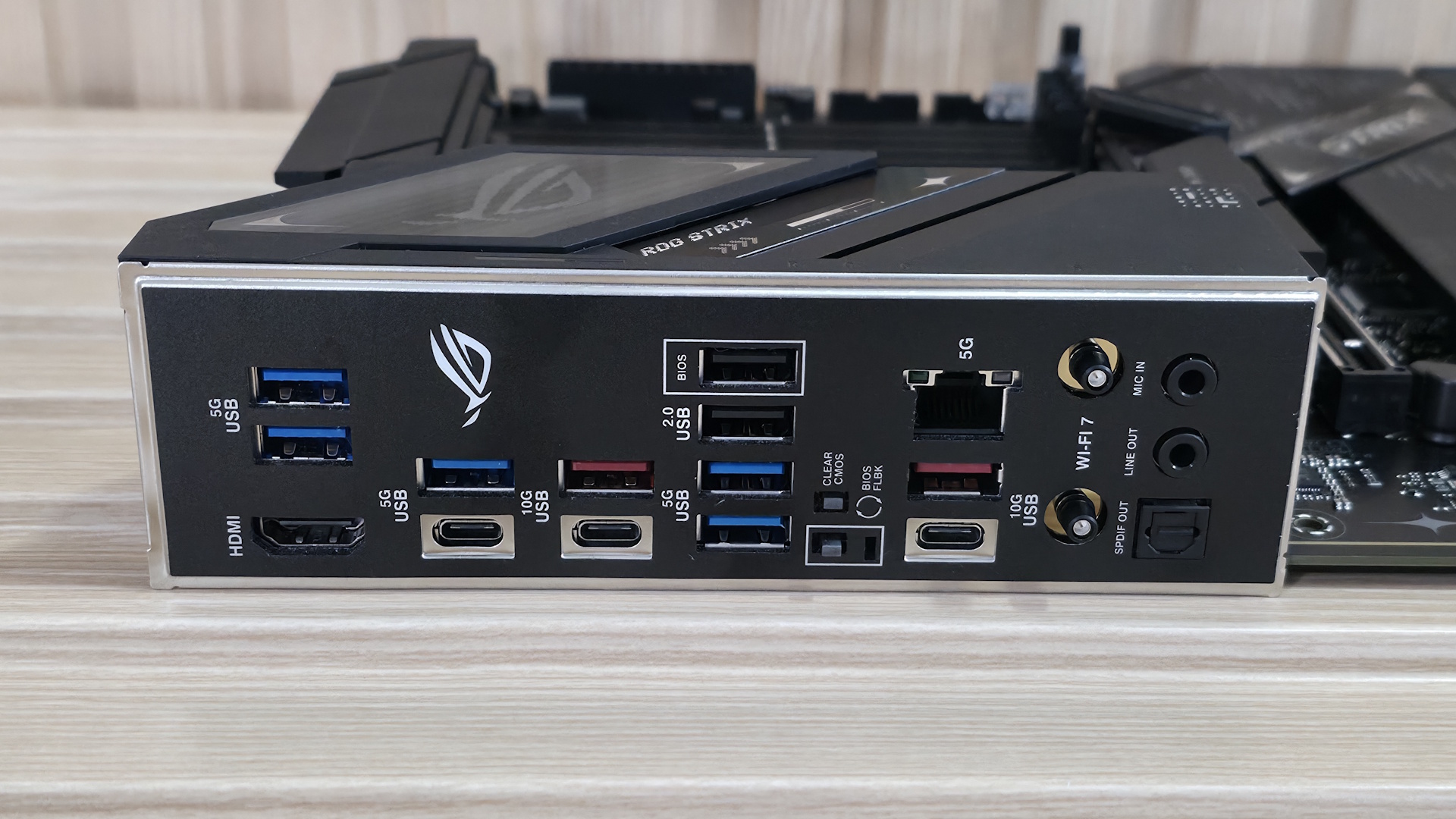
Looking at the rear IO, we can plainly see it’s packed with ports. There’s a total of 12 USB ports: 2x USB 3.2 Gen 2 (red), 5x USB 3.2 Gen 2 (blue, and two more than the previous B850-F Gaming), 2x USB 2.0 (black), and three Type-C ports (2x USB 3.2 Gen 2, 1x USB 3.2 Gen 1). An HDMI port on the left handles integrated video, while in the middle, among all the USB ports, are tiny Clear CMOS and BIOS Flashback buttons. The Realtek 5 GbE, up from 2.5 GbE, is on the right along with the 160 MHz (slower) Wi-Fi 7 Q-Antenna. Last, on the right is the audio stack consisting of two 3.5mm jacks and SPDIF output.
Nothing special here, and about the only thing missing is a 40 Gbps port or two (that are rare on this platform anyway).




 English (US) ·