
 3 weeks ago
39
3 weeks ago
39
Asus' ROG gaming lineup has just launched its very first soundbar — a 2.1.2 system with a wireless 65W 6.5-inch subwoofer and a fancy audio control hub with built-in beam-forming mics. Because the best PC speakers need to do more than just play sound to be worth considering, I guess. Or, at least, they do when they're priced at $600, which is what the Asus ROG Gjallar retails for.
Design
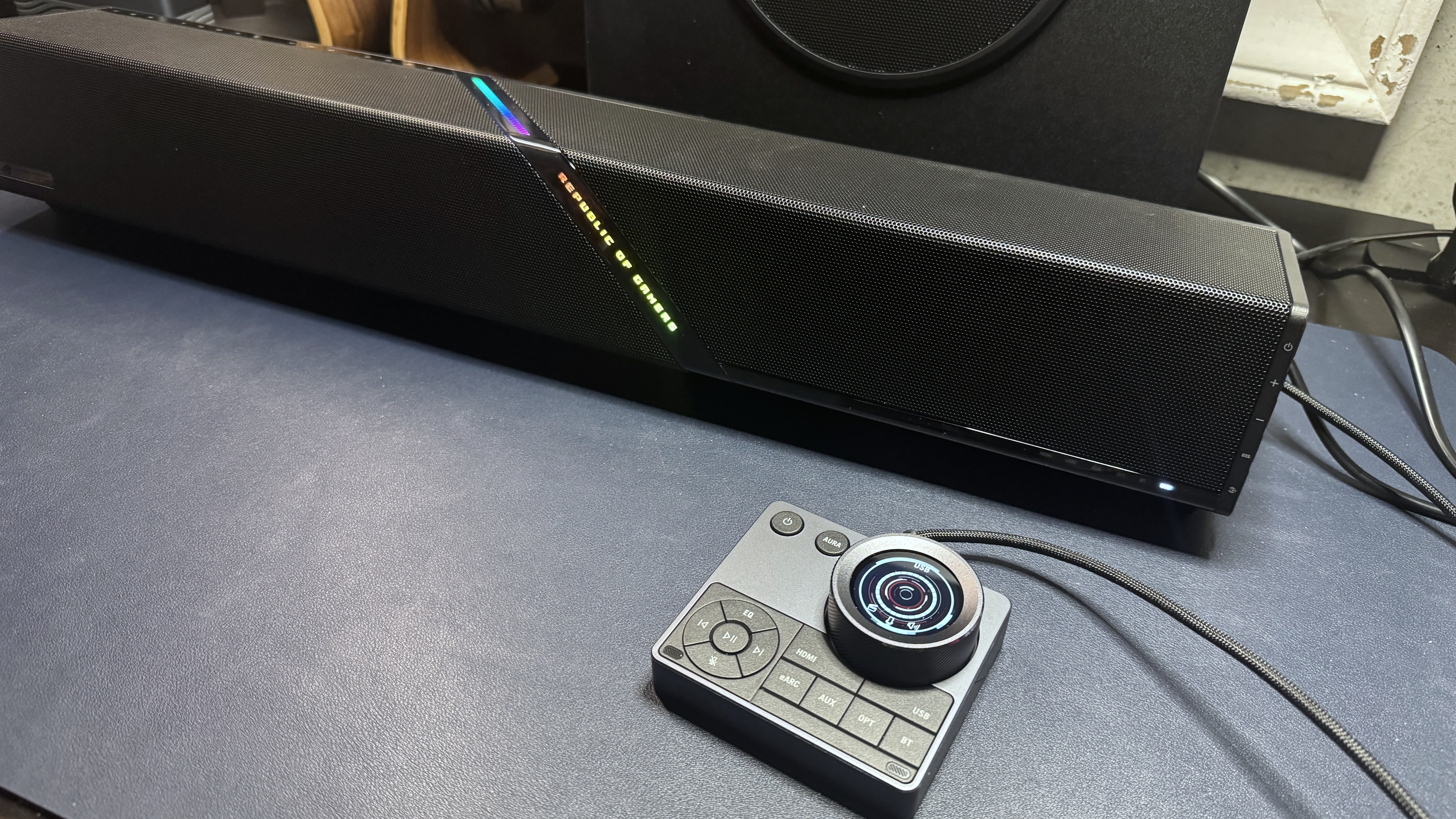
The ROG Gjallar is a compact under-monitor soundbar with a fairly boxy design. It comes in all black, with a black metal grille on the top and front and a slim lightbar featuring Asus' ROG logo running diagonally through the center. Like most of Asus' ROG products, it's still pretty ostensibly branded, though the branding is somewhat subtle compared to other ROG products. There's a small, iridescent ROG logo plate on the front in the bottom left corner, and of course the lightbar says "Republic of Gamers" right on the front.
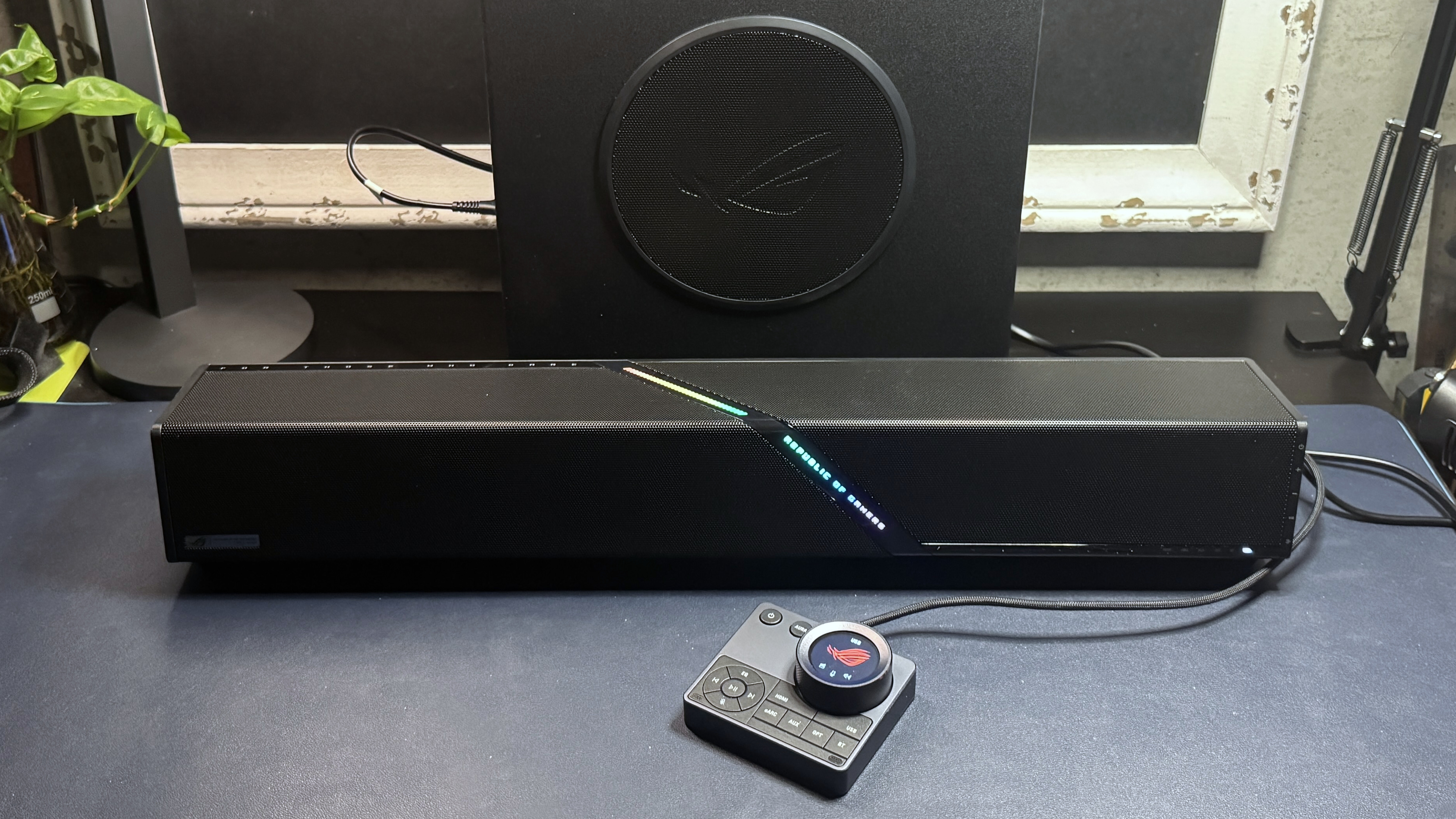
This isn't the most attractive under-monitor gaming soundbar on the market. In fact, it's pretty boring, design-wise — it's just a block, basically. Sure, it's got the slightly artistic lightbar running through the center, but even that is only attractive if you happen to love the words "Republic of Gamers" (I'm sure some people do; not me, particularly).
Latest Videos FromTom's Hardware
Image 1 of 4
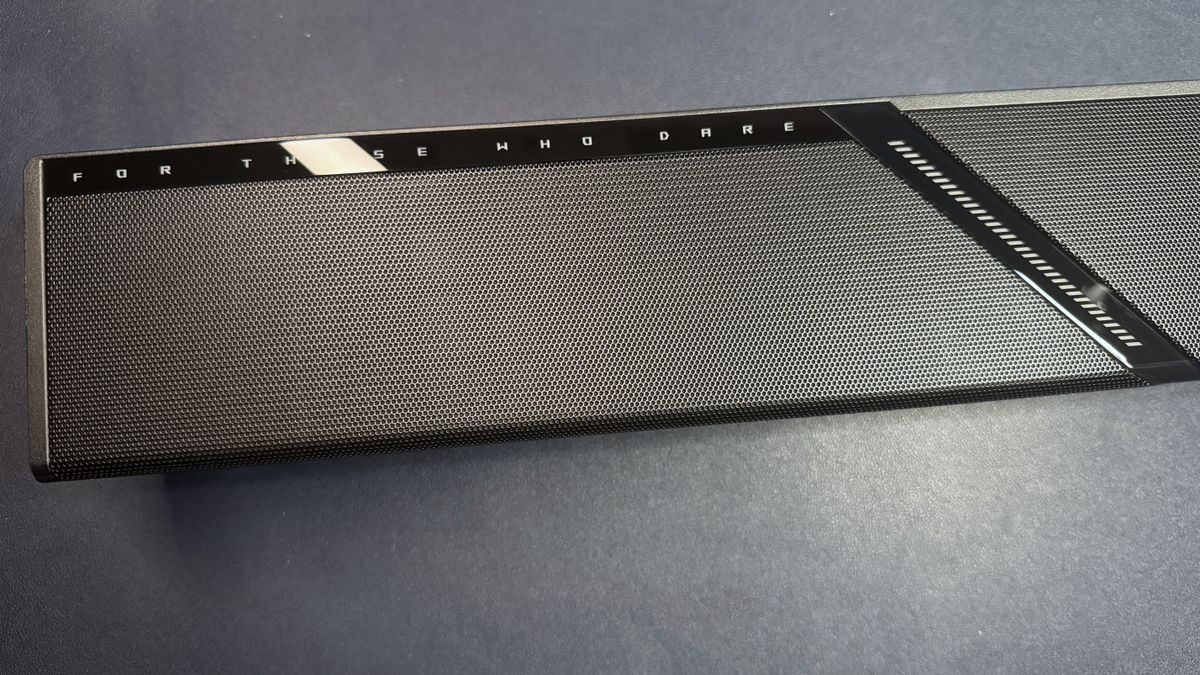
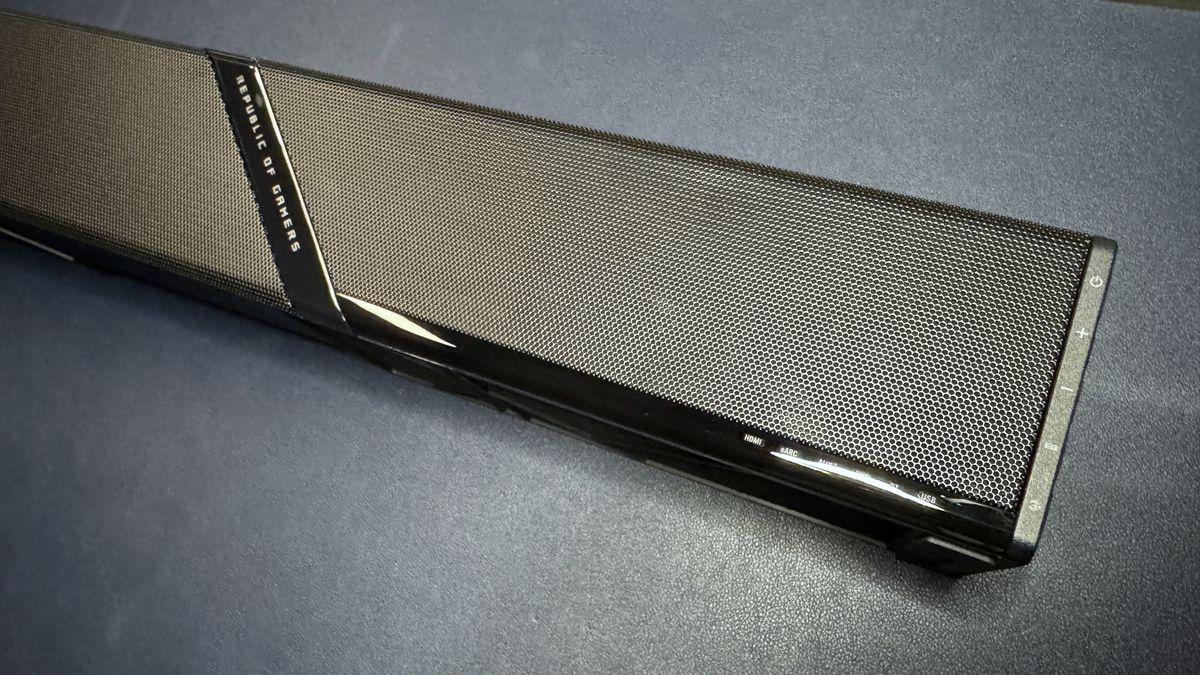
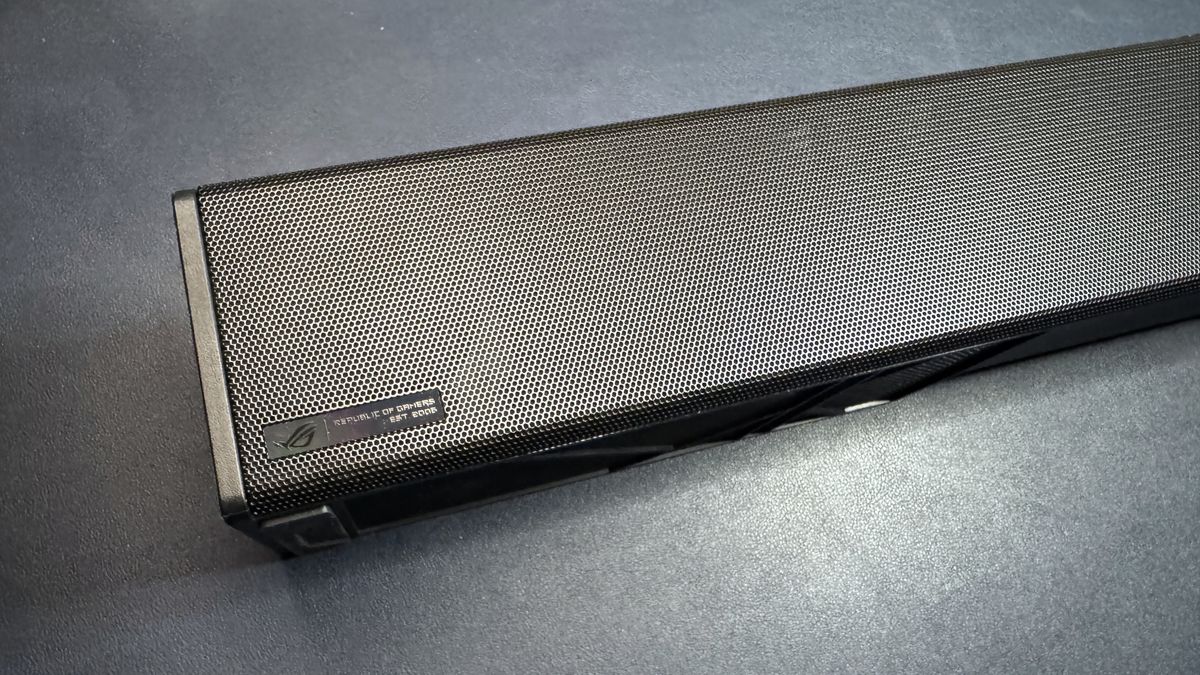
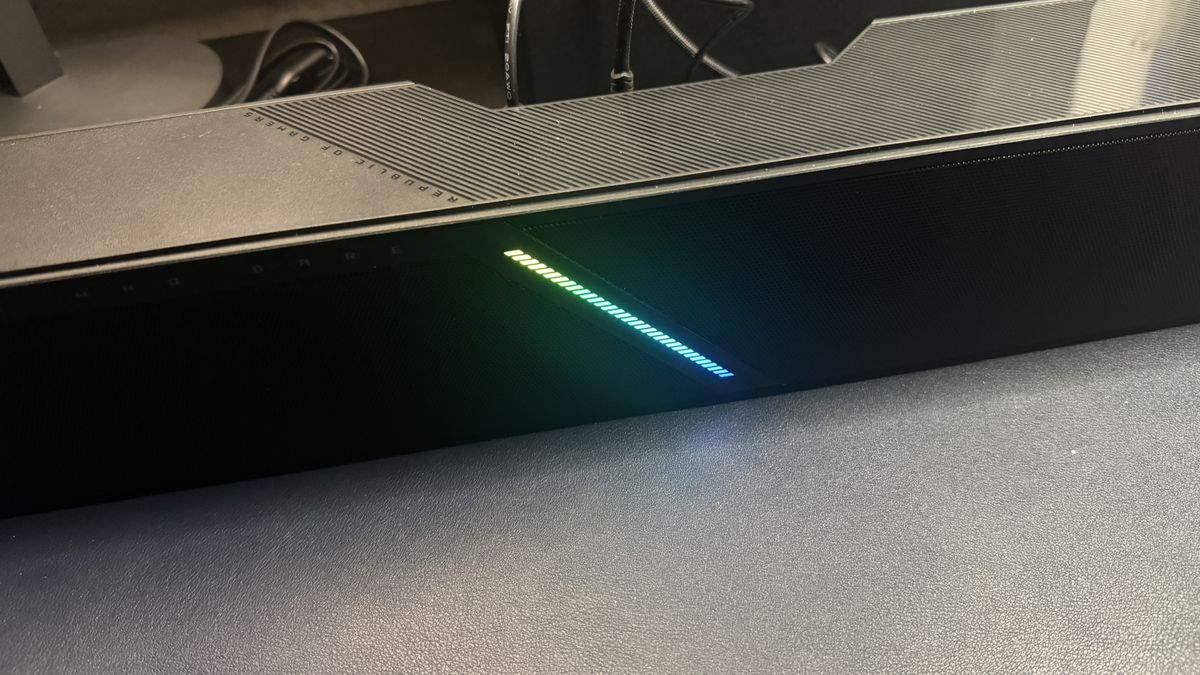
The soundbar is relatively compact compared to non-gaming soundbars, measuring 23.9 inches (607mm) wide by 3.62 inches (92mm) deep. It's approximately 3.23 inches (82mm) tall, though the front will sit just under 4 inches (99mm) high if you opt to use the included stands, which angle the soundbar up slightly. This is a bit taller than some of the other gaming soundbars we've tested. While it should still be easy enough to fit underneath your monitor, it definitely gives less clearance than the OXS Thunder Pro+ (23.9 x 4.8 x 3 inches / 608 x 122 x 78mm).
Image 1 of 3
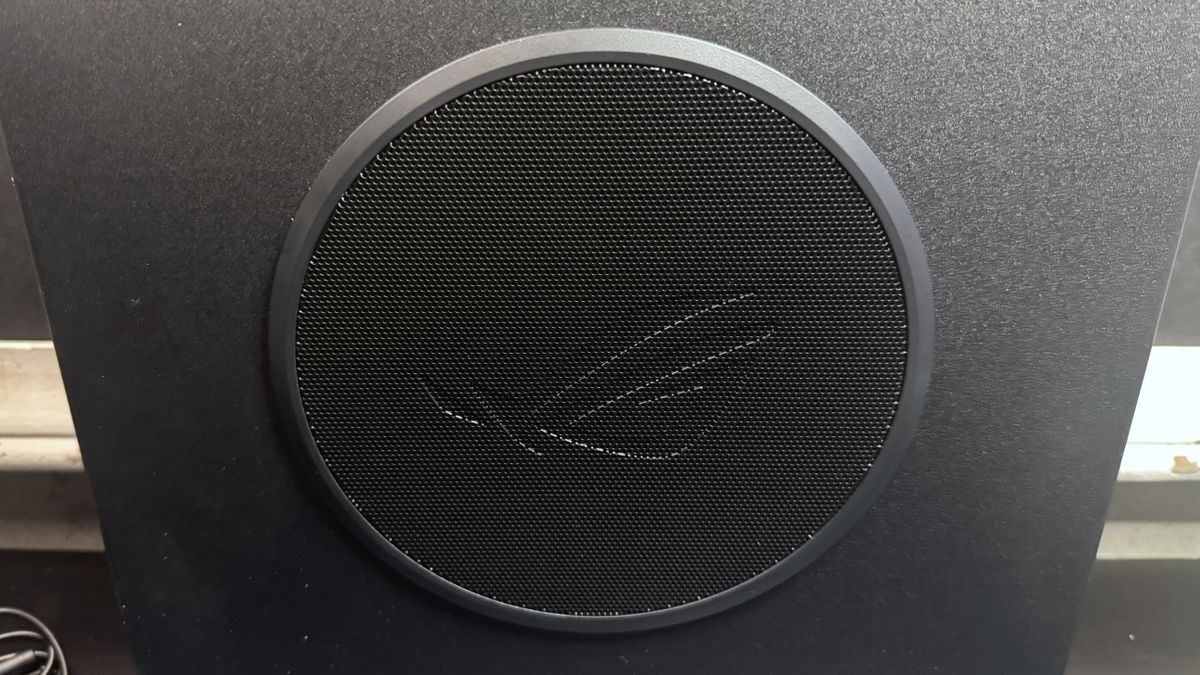
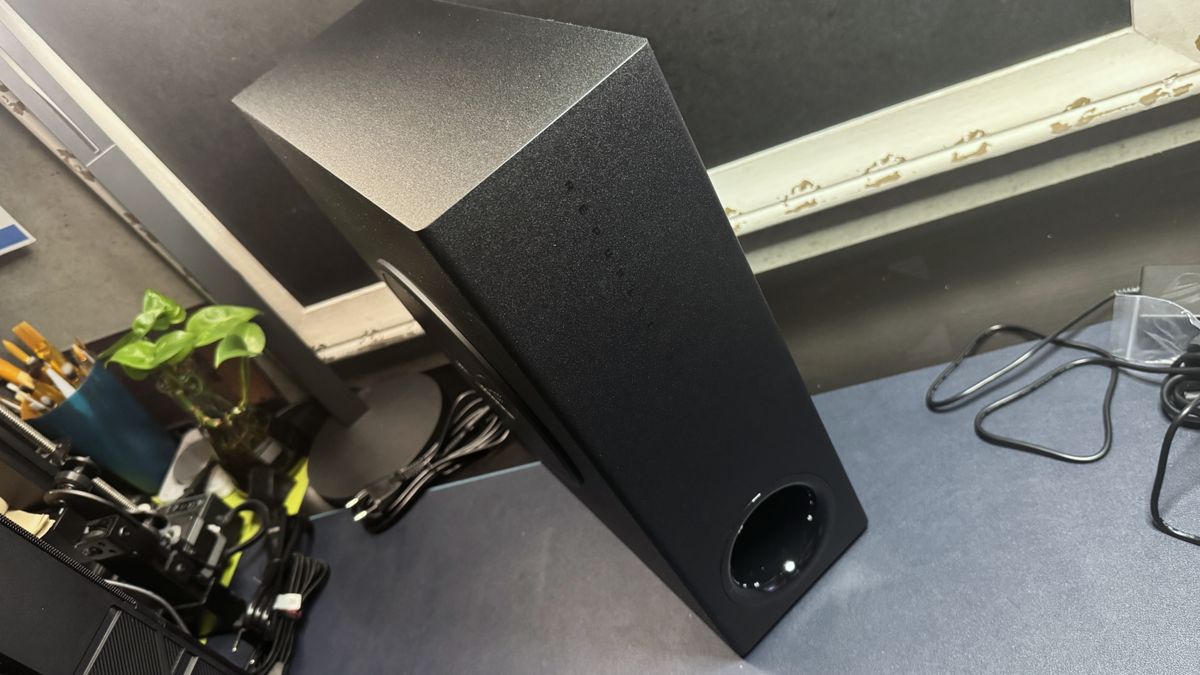
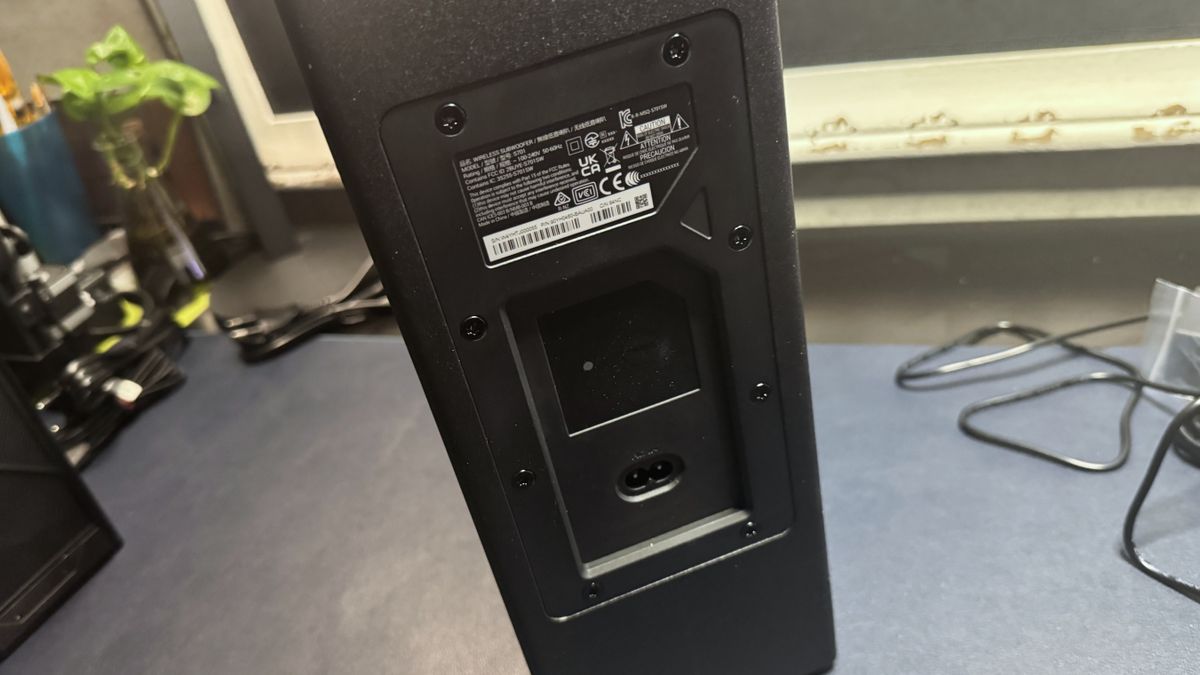
The soundbar comes with a slim, wireless 65W 6.5-inch side-firing subwoofer that features ROG's infamous angry eye logo debossed into its metal grille. The subwoofer measures 14.02 inches (356mm) tall and 12.04 inches (315mm) wide, but it's only 4.92 inches (125mm) deep. It has no ports aside from its A/C port and has just one control — a button for pairing it with the soundbar, should it somehow become unpaired.
Image 1 of 2
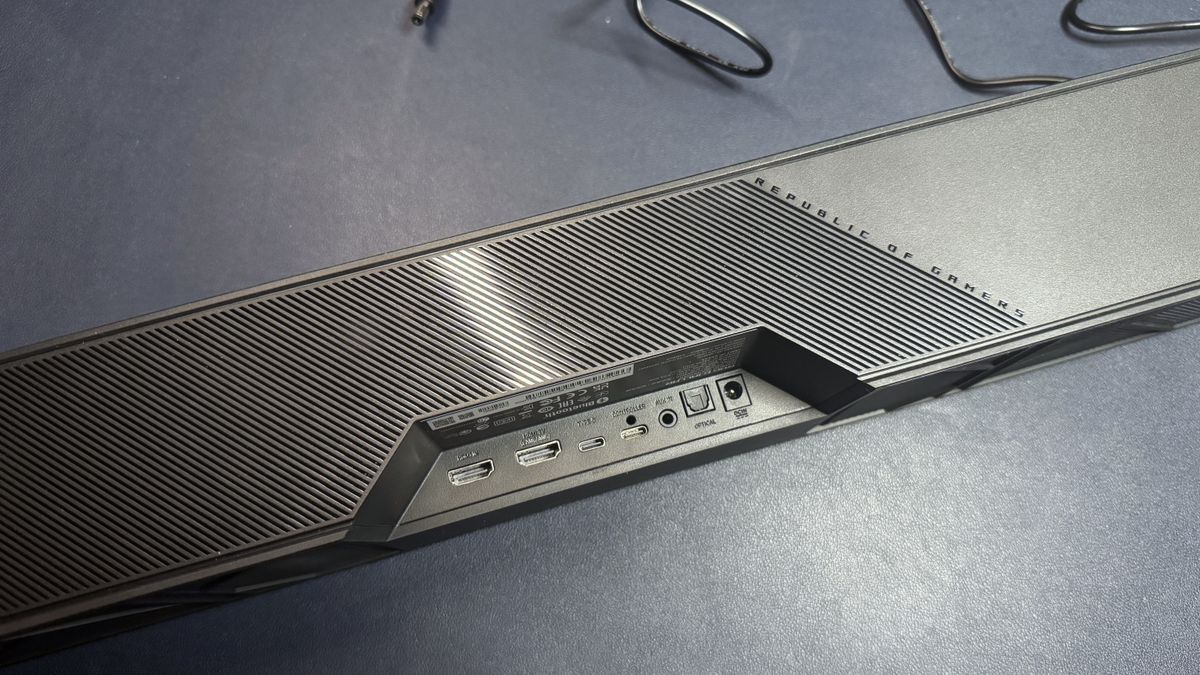
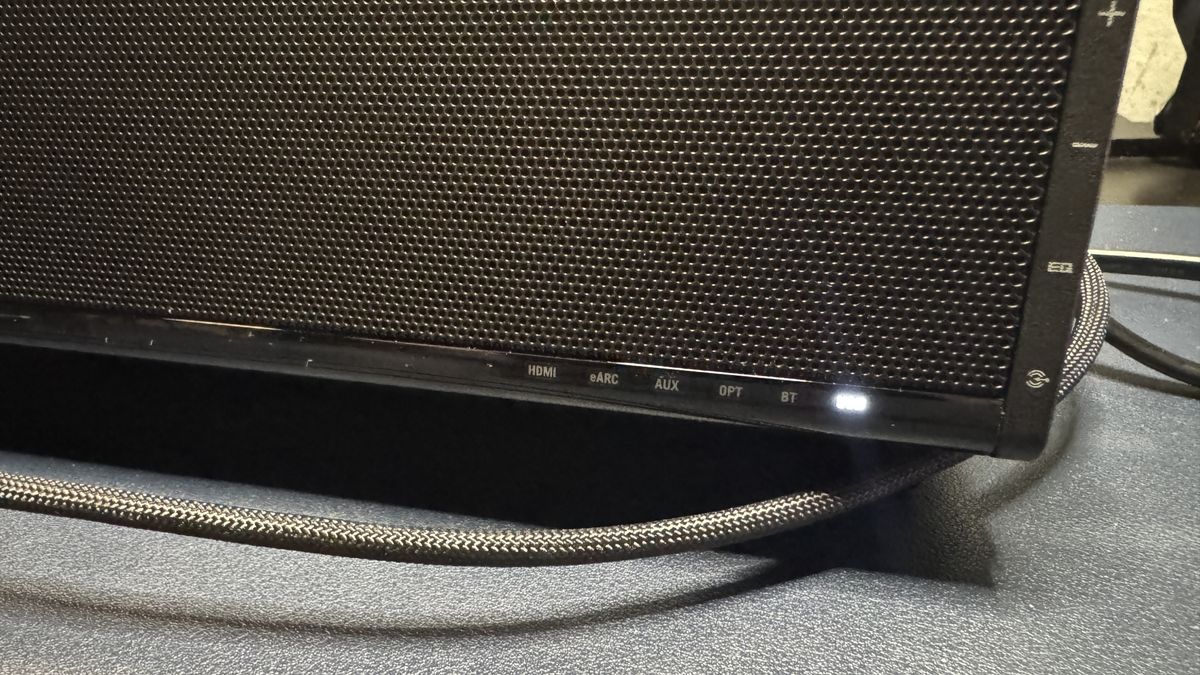
The Gjallar is well-connected, offering USB-C, HDMI 2.1 with eARC, optical-in, 3.5mm AUX-in, and Bluetooth 5.3 connectivity — you should be able to easily connect it to your PC, phone, and console(s) without having to swap cables around. It comes with an "all-in-one" audio control hub that connects to the soundbar via a dedicated USB-C port. The control hub features a large volume knob with an LCD display in the center, as well as a power button, media controls, and buttons for RGB effects, EQ, and connection switching. It also features built-in beamforming mics with "advanced acoustic echo cancellation" to filter out sounds coming from the speaker and focus on your voice.
Image 1 of 3
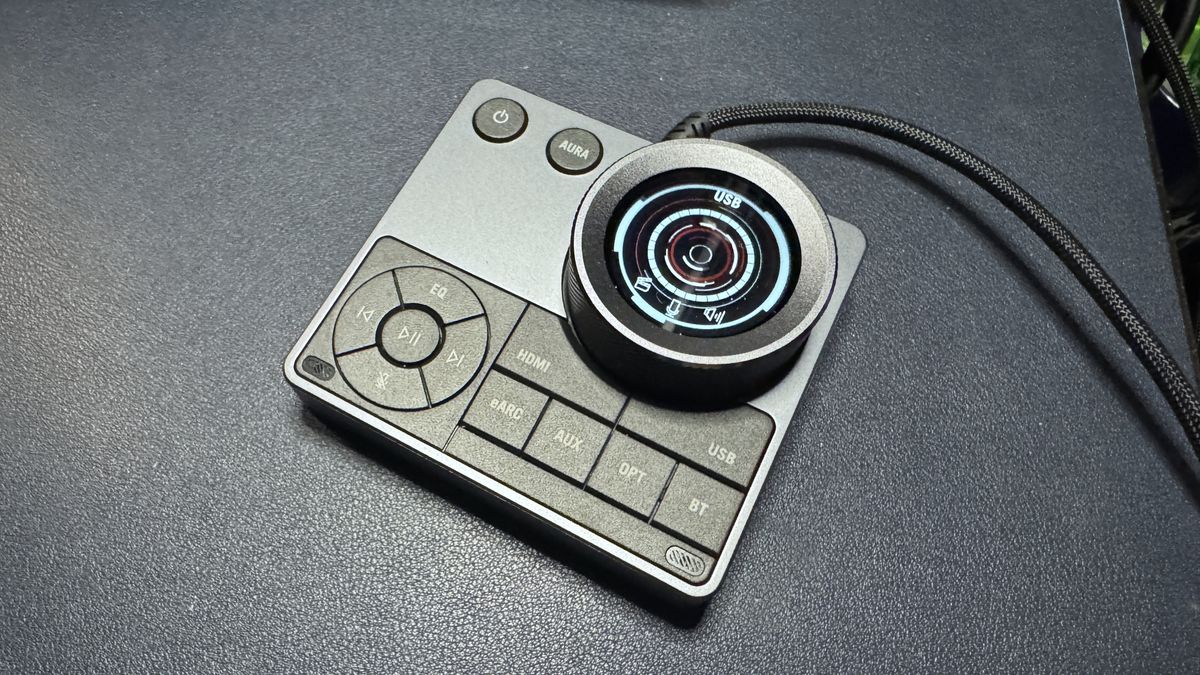
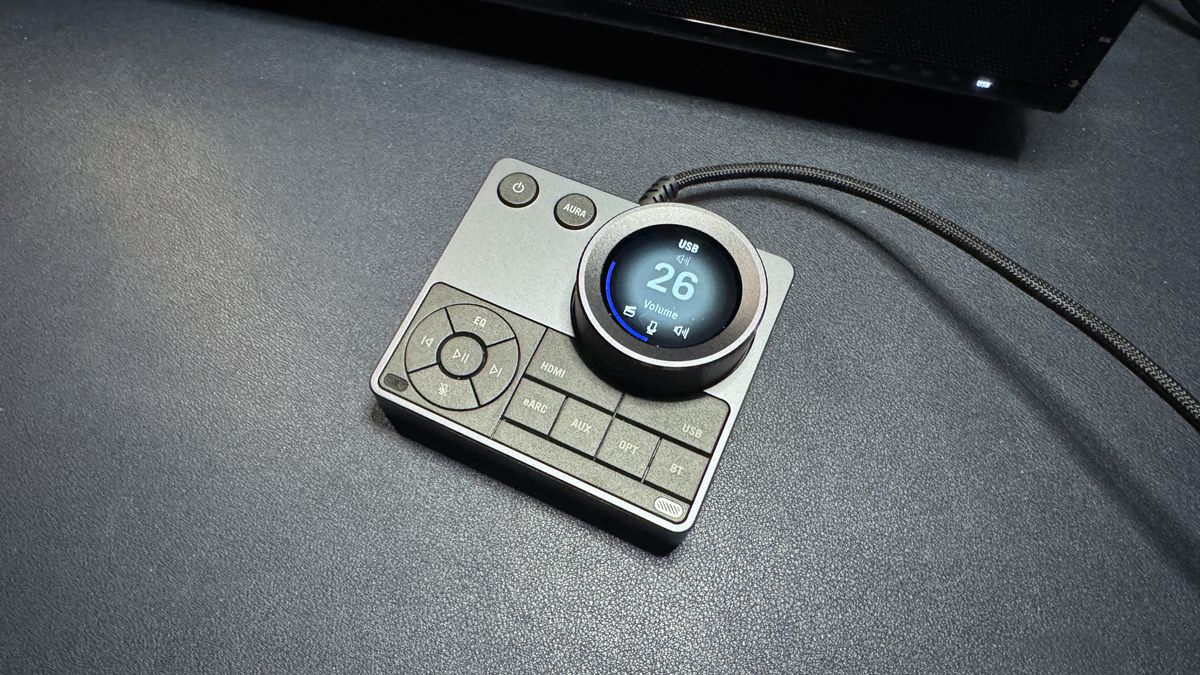
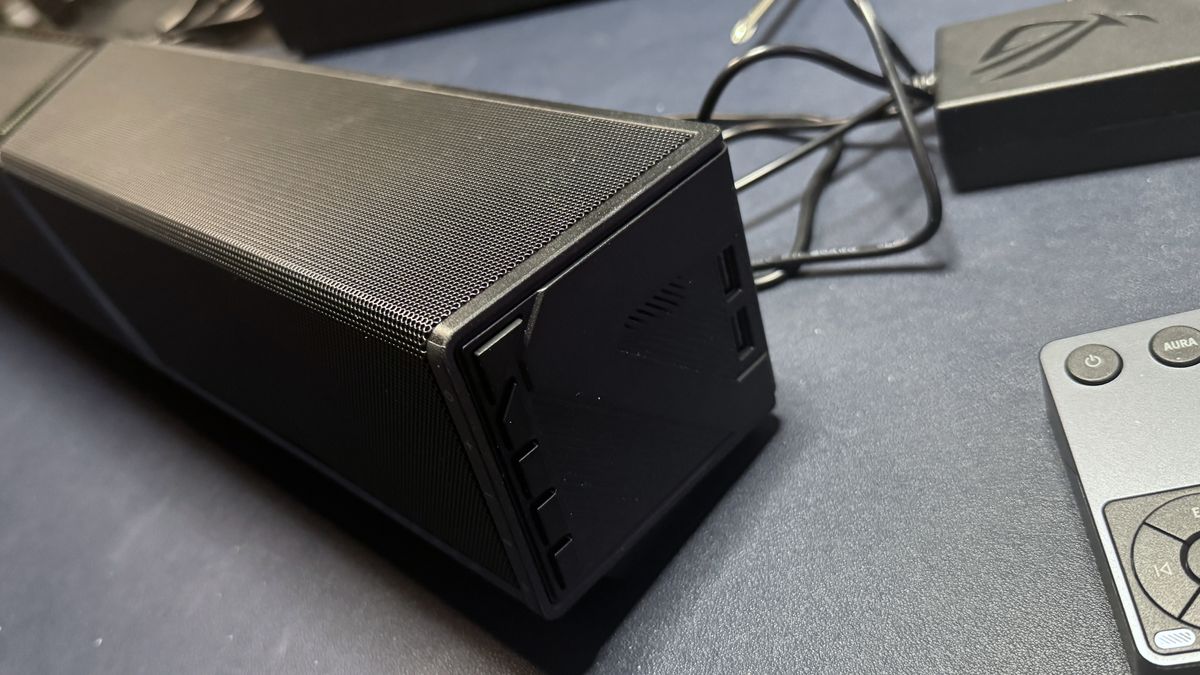
In addition to the control hub, the sound bar also has five physical buttons along its right side — power, volume up / down, EQ, and input. There are also two USB-A pass-through ports on the left side, which you can use to plug in other peripherals.
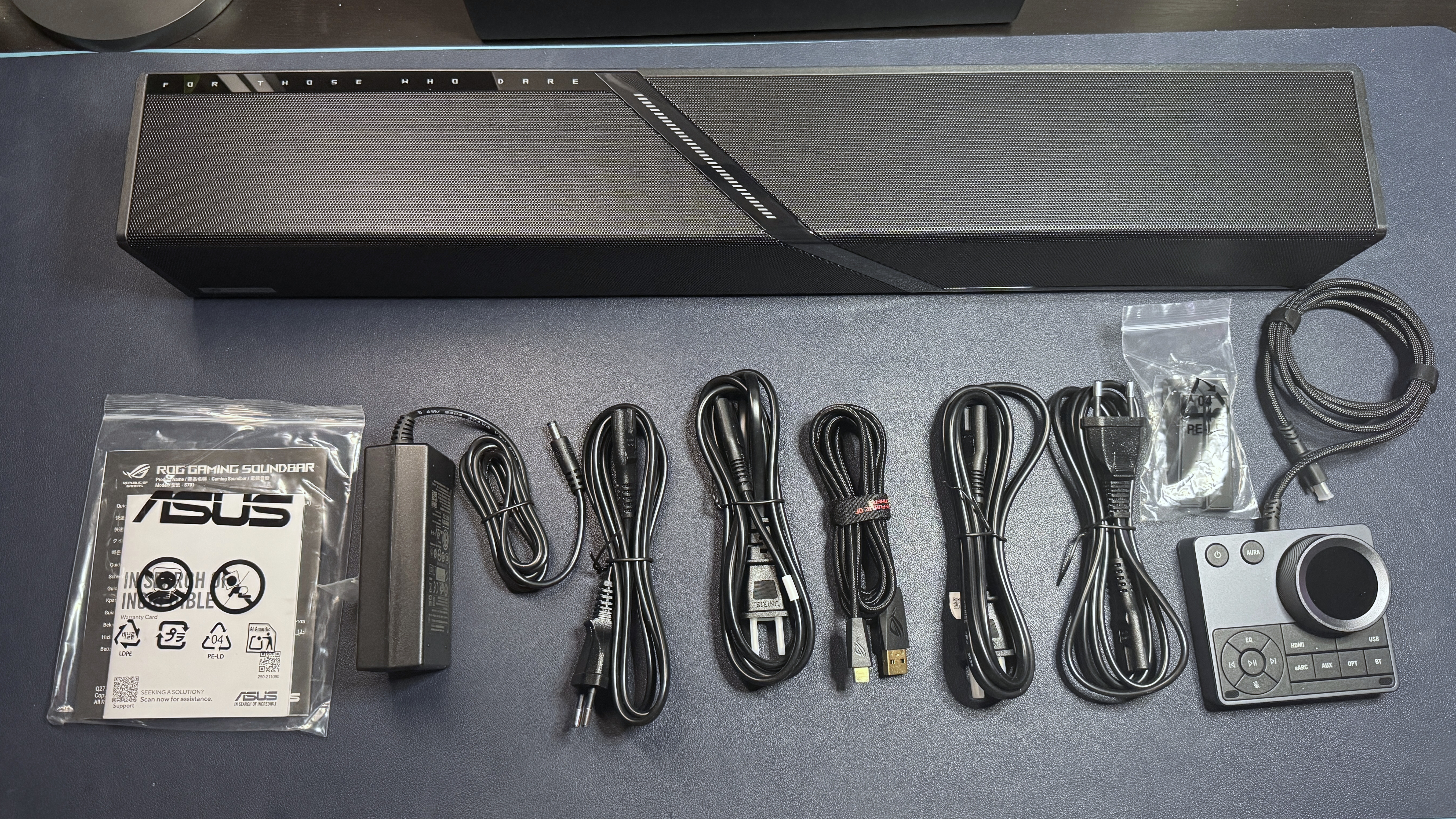
In the box, the ROG Gjallar comes with several accessories: the wireless subwoofer and the wired audio control hub (with a 3-foot/1m non-detachable USB-C cable), as well as a 6-foot (1.8m) USB-C to USB-A cable, two sets of two 5-foot (1.5m) A/C power cables (U.S./Type B and European/Type C), and a power adapter for the soundbar. It also comes with two removable "feet" that screw on (via four included screws) and angle the soundbar up slightly, since it will be sitting on your desktop.
SPECS
Swipe to scroll horizontally
Speaker Type |
2.1.2 (Soundbar + Subwoofer) |
Driver Type |
4x 2"/50mm full-range drivers |
Frequency Response |
50Hz - 20,000Hz |
Inputs |
Bluetooth 5.3, HDMI eARC, HDMI IN, Optical-in, AUX-in, USB-C |
Cables |
6ft. / 1.8m USB-C to USB-A |
Size |
23.9 x 3.62 x 3.23 inches / 607 x 92 x 82mm |
Weight |
2.4kg (soundbar) |
Lighting |
Yes |
Software |
Gear Link |
Features |
Audio Control Hub (wired), built-in beamforming mics |
MSRP / Price at Time of Review |
$599.99 |
Release Date |
Aug. 24, 2026 |
Performance
The ROG Gjallar is a 2.1.2 system — the two primary speakers (each consists of a full-range driver and a tweeter) and two up-firing speakers in the soundbar, plus a 6.5-inch subwoofer. The two main speakers face forward, while the up-firing speakers are angled upward to create the illusion of more multi-dimensional sound.
Audio on the ROG Gjallar sounds pretty good for a soundbar — though it's not significantly better (or different) than the audio performance we've heard on other premium-priced gaming sound bars. While the opening bass in Lorde's Royals had at least some detail and depth (thanks, in part, to the subwoofer), and the breathiness in Britney's voice in Toxic was fairly clear, the overall soundstage in songs like Beyonce's Single Ladies and K-391's Lonely World was still pretty limited.
Games sounded pretty good on the Gjallar, especially with some EQ tweaking. While the soundstage still didn't sound huge in games like Baldur's Gate 3 and God of War: Ragnarok, most of the layered details in the audio still managed to come through. Directional sound on the Gjallar was also about as good as you can expect from a soundbar, thanks to Dolby Atmos.
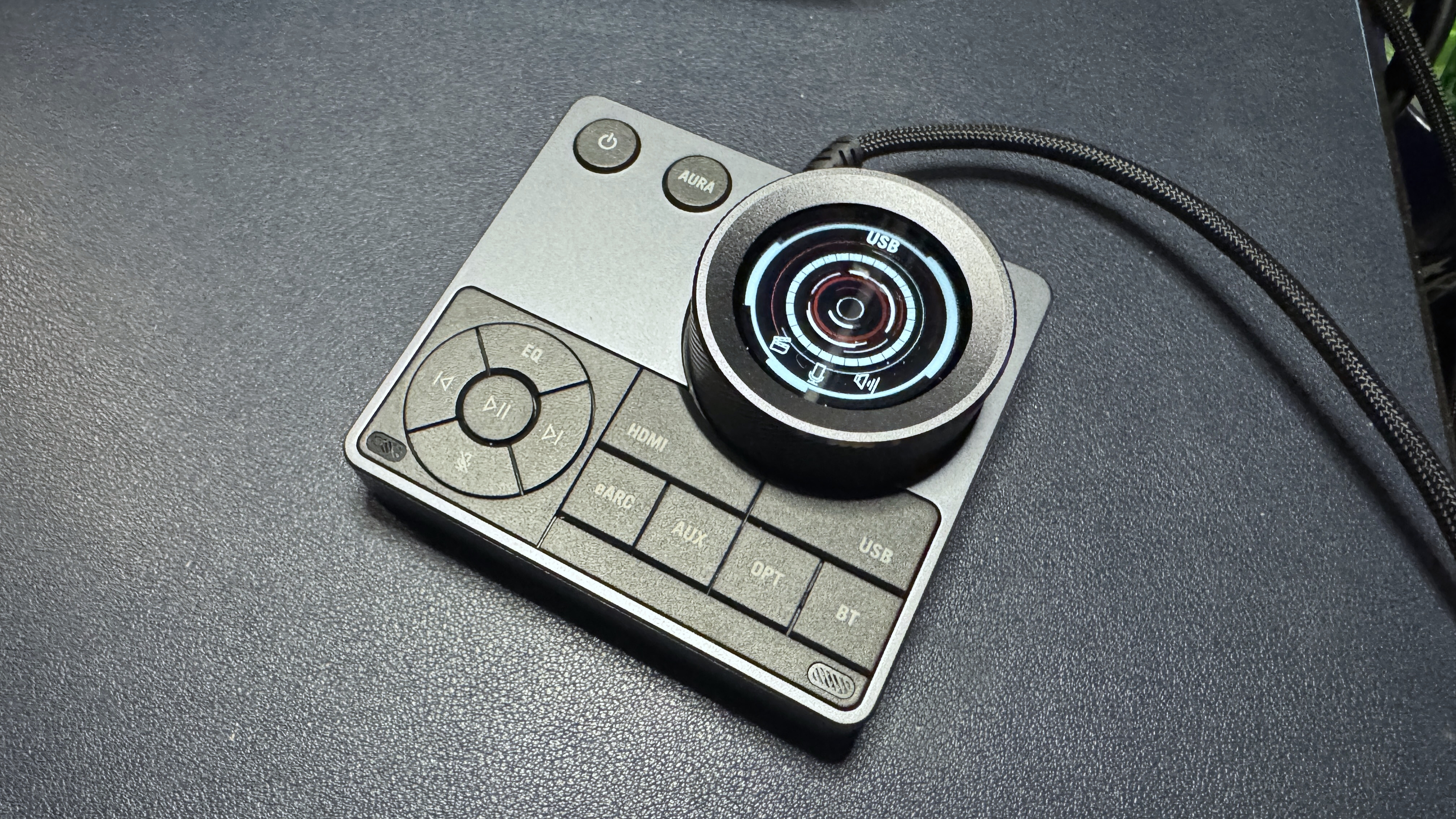
The Gjallar's built-in Acoustic Echo Cancellation microphones have a dedicated DSP and are designed to intelligently filter out sound coming from the speakers to pick up your voice better. Unfortunately, this works better on paper than it does in practice. While the mics did a decent job of filtering out noise from the soundbar — including music, games, other people's voices, and my 110th rewatch of Pirates of the Caribbean at 80% volume — that was about all they were good at.
The people I spoke to over voice chats couldn't hear what I was listening to in the background, and they could hear me — but they couldn't really understand me very well. My voice not only sounded fuzzy, but my words were frequently cut off, likely from an overly aggressive noise-reduction algorithm. Turning the echo cancellation and noise reduction to its lowest setting didn't seem to make much of a difference, and turning it off completely resulted in nobody being able to hear me at all (and I'm pretty loud). The quick-start guide that came with the Gjallar does point out that for the best results you should have the control hub located directly in front of you, but that didn't do much for me (and also wasn't exactly convenient). I guess the mics on the Gjallar are okay if you have absolutely nothing else with a built-in mic, but I think I'd rather have the option to simply plug in a microphone or a headset via the control hub.
Features and Software
The ROG Gjallar comes with its dedicated audio control hub, so you can do some customization through that — such as switching between EQ and RGB lighting presets. For real customization, such as setting up your own EQ and lighting presets, you'll need to connect to Asus' web-based Gear Link software.
On one hand, Gear Link is relatively easy to navigate and works fairly well. Just connect via the pop-up in your browser, switch up your settings, and hit "apply," and they save directly to the device. On the other hand, it does seem a little unnecessary to require an internet connection just to do something like turn down the subwoofer level (there are no physical controls on the subwoofer — you must use Gear Link to adjust the level). You also can't really customize the audio control hub aside from switching out the graphic displayed on the LCD screen. You can't remap the volume wheel or any of the buttons, which is a little disappointing.
Image 1 of 7


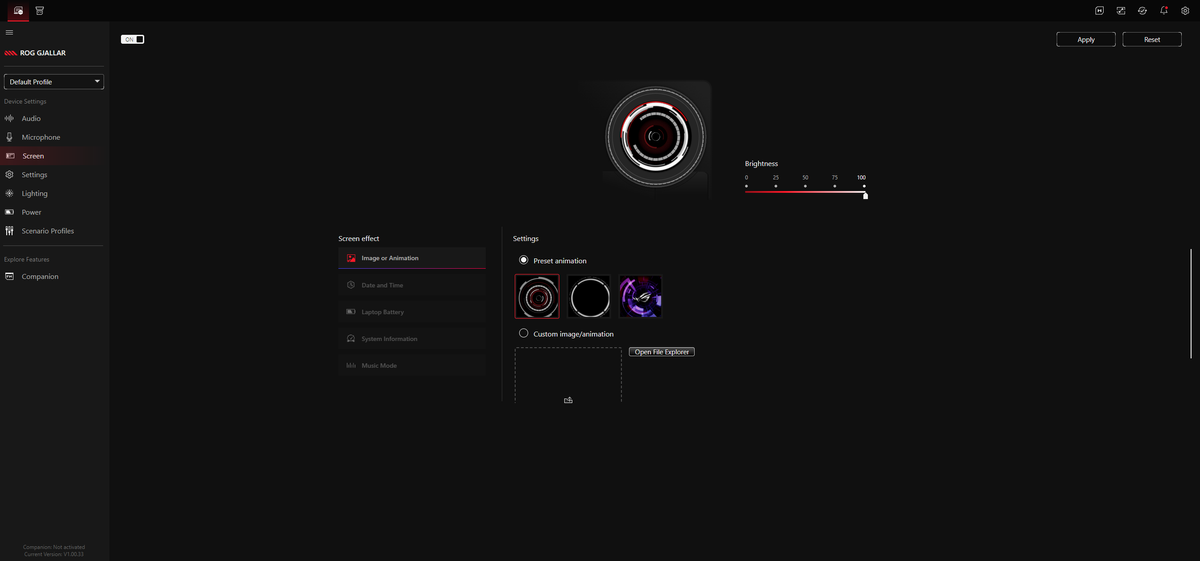

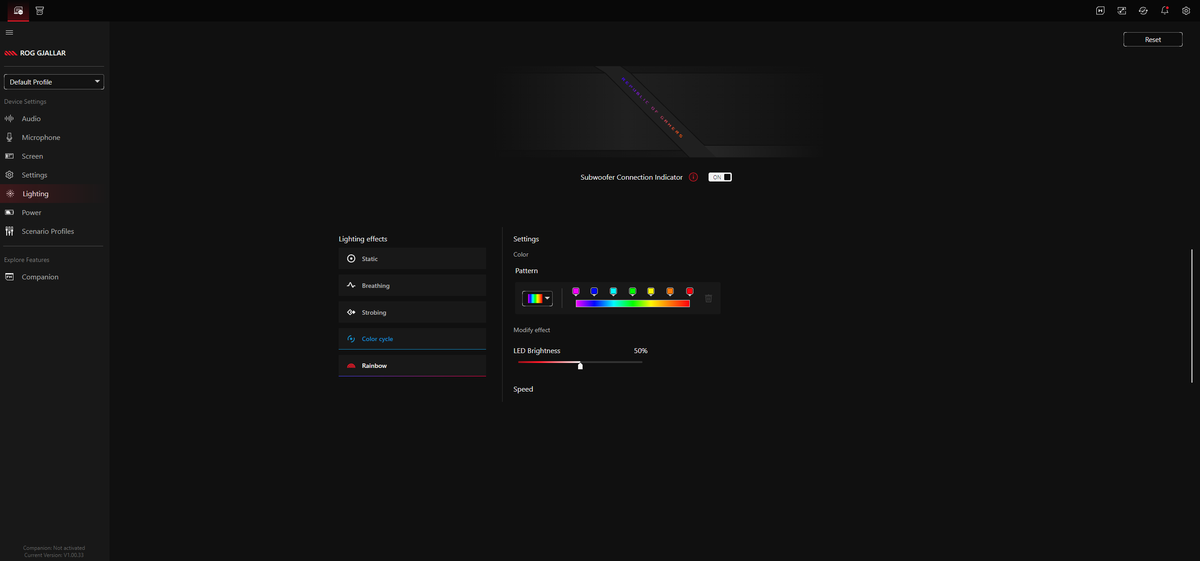


What you can do with Asus Gear Link: adjust the EQ and set up your own presets, change the subwoofer level, turn off the soundbar's height channel upmix, adjust the mic's noise reduction level, and adjust power settings (i.e., idle time before the soundbar goes into sleep mode). You can also customize the lightbar, but you will need to use Asus' Armoury Crate software to use Aura Sync (for the lighting to sync with your games and other Asus peripherals).
Bottom Line
The Asus ROG Gjallar sounds good for music, movies, and games — and sounding good is, of course, the most important part of a soundbar. But it doesn't sound that good. It has a limited soundstage and the mid-range often sounds a little strained — and it just feels like Asus could have made its first premium gaming soundbar a little more... premium. The audio control hub is a nice idea, but I'd like it to be more customizable. The most you can really do with it is have it display the time, or a picture of your cat. And I don't know why Asus even bothered to include the mics.
While $600 certainly isn't unheard of for a premium gaming soundbar (the OXS Thunder Pro+ costs $700 and doesn't come with a subwoofer, though it does come with a wireless neck pillow/speaker), it's still more than twice the price of most 2.1 gaming PC speaker systems. Even Razer's Nommo V2 Pro costs about $150 less, and it also features a wireless subwoofer and a wireless control hub.








 English (US) ·