
 2 hours ago
5
2 hours ago
5
GOG is very good at two things: Bringing old games to modern PCs, and telling everyone that its games are DRM-free so you can do whatever you want with them. So I was not terribly shocked when GOG weighed in on Sony's decision to stop producing game discs in 2028 with a little note reminding its followers on X that they can just DIY this stuff if they want.
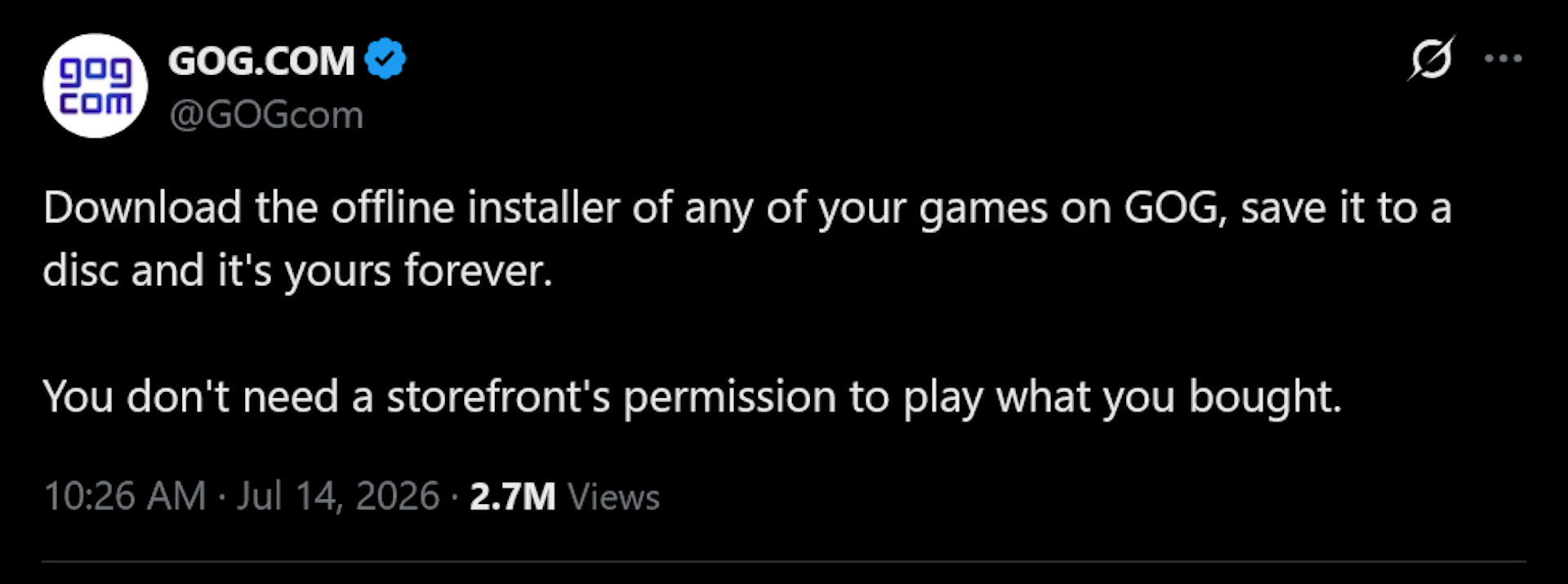
"Download the offline installer of any of your games on GOG, save it to a disc and it's yours forever," it wrote. You don't need a storefront's permission to play what you bought."
Not much to it, but there's not much to say—it really is that simple, as long as you have the hardware for it. An awful lot of PCs don't have optical drives anymore, which is maybe a bit of a bump in that particular road, but to that point I will say two things:
💿 If you have even a passing interest in game preservation (or just not losing your stuff because a platform account went up in smoke for some reason), you probably have an optical drive installed or an external lying around somewhere
💿 You can also do it with USB flash drives or external SSDs, although some of the coolness factor will unavoidably be lost (plugging in a USB connection will never match the Hackerman aura of inserting a disc).
As someone who collects PC games—and who has lived, unhappily, in a no-discs world for years now—I sympathize strongly with PlayStation owners who know in their hearts and souls that something will be lost when physical media goes away. And the truth is that burning your own discs isn't the same as having them properly stamped, boxed, and sold by one publisher or another.
But protection against the vagaries of digital not-quite-ownership is valuable in its own right, a lesson you will hopefully never have to learn. On top of that, GOG's installers can also be mighty convenient, too: Years ago I bought Baldur's Gate 2 from GOG when it was on sale just so I wouldn't have to get out of my chair to get the box and then sit through a five-disc install process. That's five bucks well spent in my book.
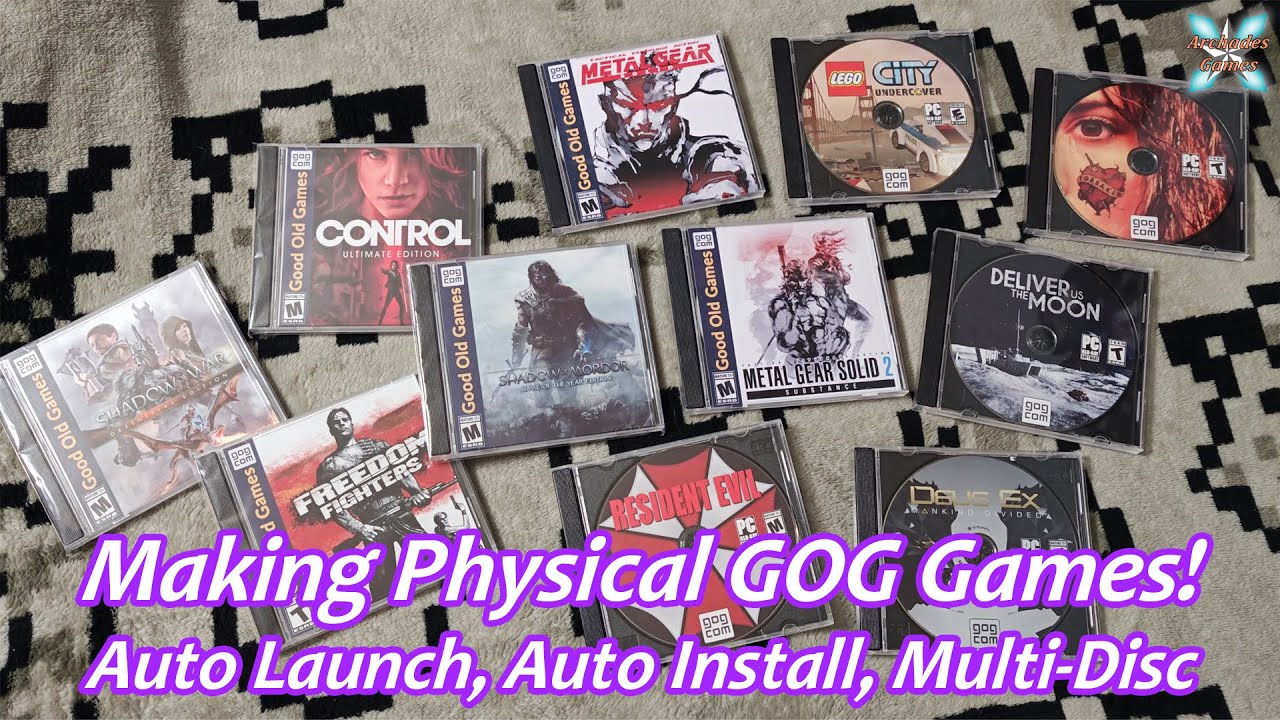
If you're new to the whole 'making your own discs' thing, at its most basic you can just download the backup installers from GOG game pages and burn them onto a disc like any other file—and it's fine to have multiple games on a single disc. If you want to get into more advanced tricks, with things like automatic installations and multi-disc support, YouTuber Archades Games has an impressively detailed breakdown of the processes you can dive into below.
How To Make "Physical" GOG Games: Auto Launch or Install + Multi-Disc Support! - YouTube




 English (US) ·