
 3 weeks ago
13
3 weeks ago
13
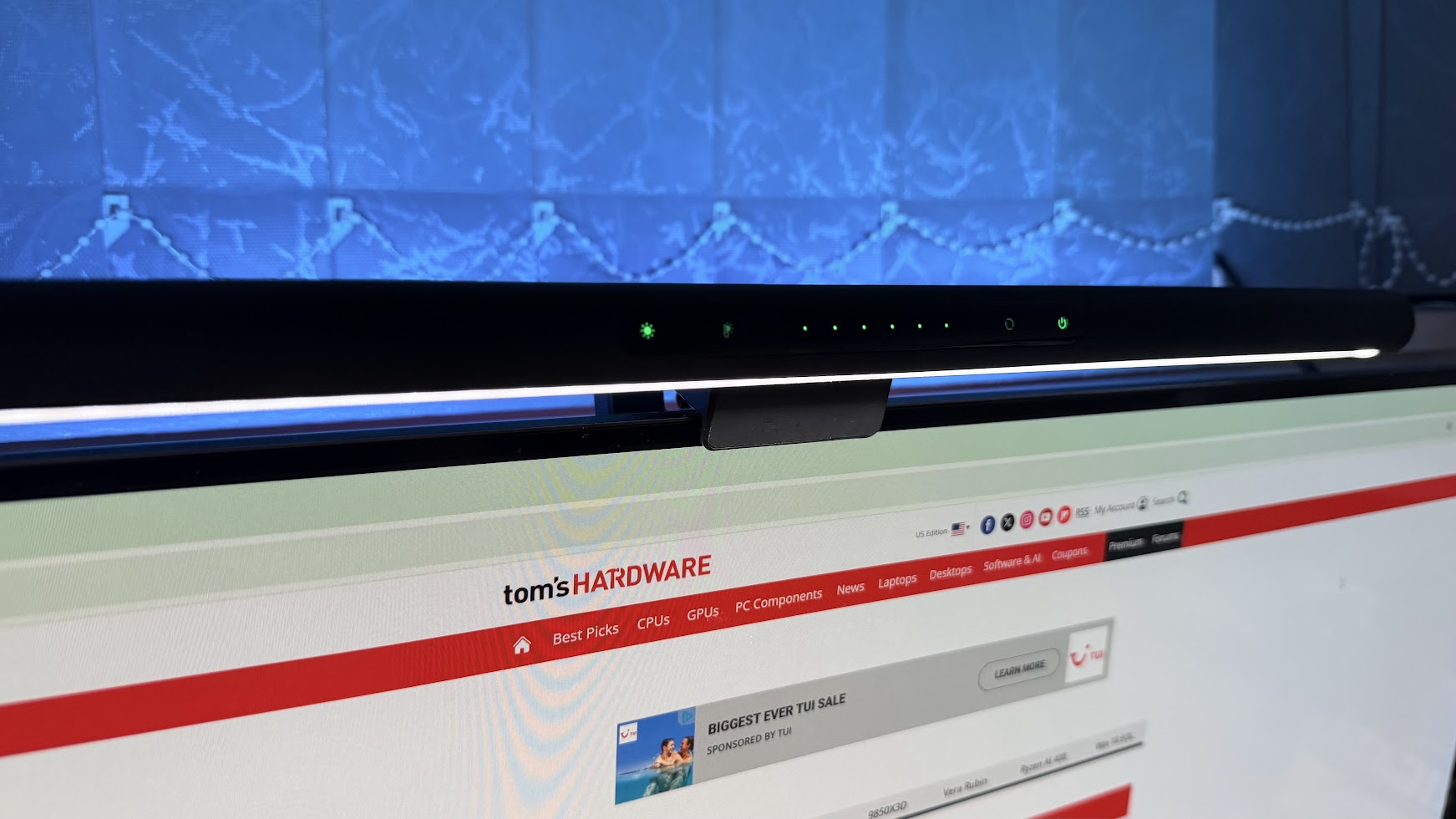
Sometimes it’s not all about the fastest speeds you can muster, or upgrading your PC (especially in this market). To get the most from your setup, you have to consider how you interact with it daily. If you’re anything like me, you’re probably sitting at your desk for an unhealthy amount of time every single day, so minute improvements to your environment can make a huge difference in your day-to-day. For me, one of the biggest upgrades I made to my setup was the addition of a monitor light bar. The model I use is Razer’s Aether Monitor light bar, which retails for $129.99.
Now, there are a lot of folks who question what they actually do, but after having used a good handful of them, it’s easy to see how one might help. For me, my PC desk isn’t just where I work, it’s where I play games, engage in my model-building hobby, and where I’m often working into the night. So, how does a light bar help with all of this?
Yeah, it’s just LEDs, but offers much more
At its core, a monitor light bar is simply a strip of LEDs in a form factor that sits on top of your computer monitor. Many models allow you to adjust where the light is cast, often with configurable elements like brightness or color temperature. They help to illuminate your environment and reduce eye strain, especially if you hate turning on the big light in your office.
As the winter months roll on, having a handy lamp at your desk is indispensable; it’s even better for those with limited desk space. Sure, you can get a lamp and clamp it to your desk, and get most of the same effects, but the form factor of the lightbar makes it ideal for tight spaces. The rule of cool never fails, and monitor light bars look very cool indeed, especially if you’re chasing a minimalist aesthetic.
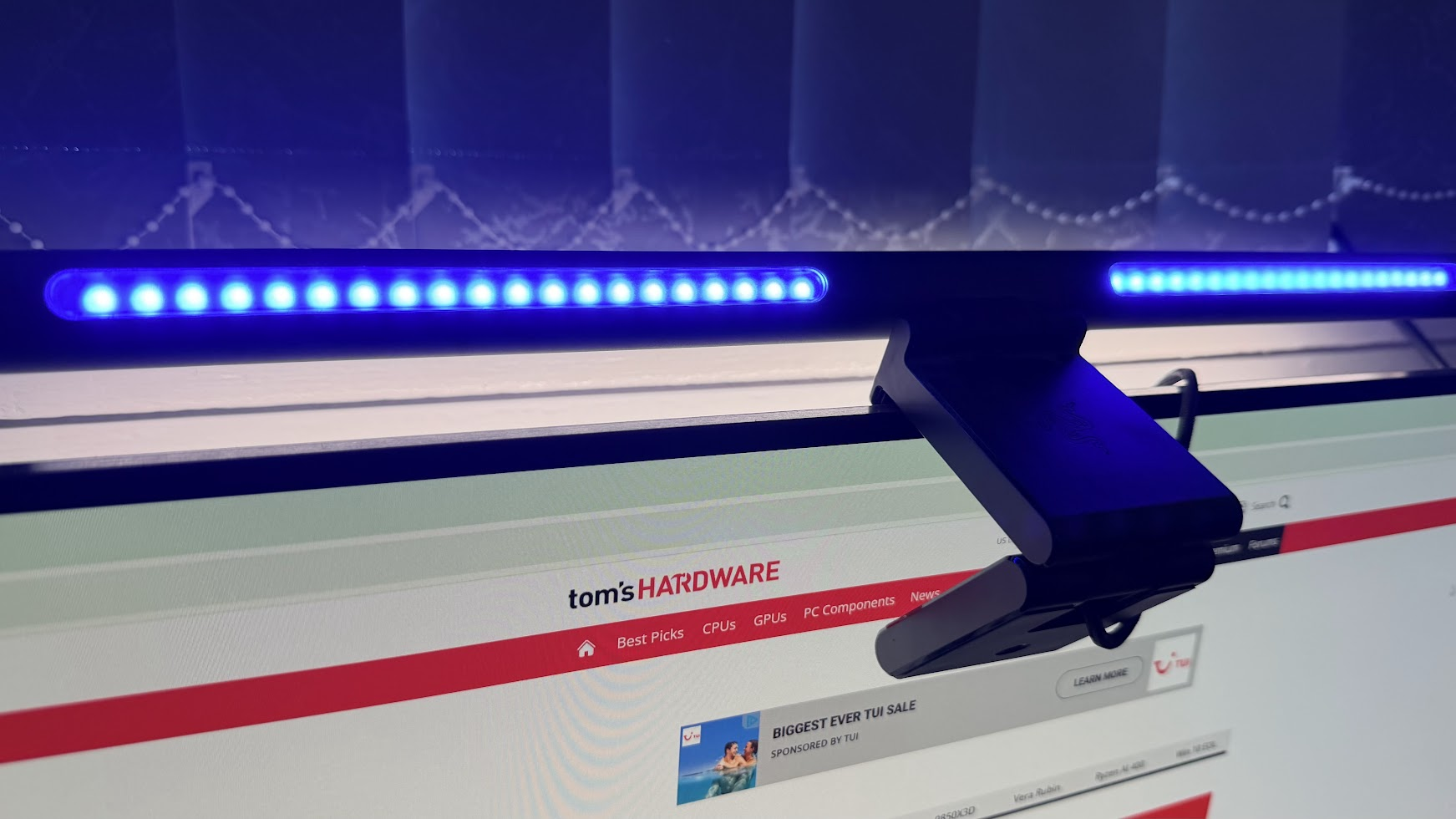
Now, something not all monitor light bars account for is biased lighting, which is where light is cast behind your monitor, as well as in front of it. Having a naturally brighter pane on both the front and back of your monitor can help reduce eye strain in low-light environments. The addition of adjustable color temperature just further enhances that. When I am painting a model kit, I generally make the lightbar colder and brighter. If I am settling in to play a game for a few hours like Oblivion Remastered, I’ll usually dim things a little and make the temperature warmer, for that cozy atmosphere.
- BenQ ScreenBar Halo 2 ($179) - Premium option, biased lighting, remote puck
- Xiaomi Monitor Light bar ($67) - Remote puck, no biased lighting
- Razer Aether Monitor Light bar ($129) - Biased light, on-bar controls
Not all light bars are created equal
Now, if that all sounds like something you want for your setup, there are a handful of elements to consider. There are tons of lightbars filling online marketplaces like Amazon, but not all of them offer the same functionality. Perhaps the most important thing is accounting for your setup as it is right now. I sport a dual-monitor setup, and the lightbar I use daily, the Razer Aether Monitor Light Bar, can usually flood my entire desk with light, so I don’t have to worry about how bright things get or if it’ll cover the entirety of my 79-inch desk. So make sure you get a lightbar that will give you ample coverage.
Secondly, as the lightbar needs to sit on top of your monitor, you need to account for whether you have a curved panel. There are some curved light bars out on the market, so just make sure to match your selected light bar with something that matches as closely to your R-curve as possible. Most of the bigger brand lightbars don’t have curved options, so you might have to splash out on something more dubious if you’re desperate.
Lastly, not all light bars offer the same functionality. As I mentioned before, biased lighting with an additional strip at the back is a feature that you should absolutely pay attention to, unless your monitor has a strip of LEDs doing that for you already. Secondly, brightness and color temperature adjustment are also crucial. If you buy a bar that only comes in a cold, clinical K, then it’ll not fit all situations, and you’re likely to get frustrated with it along the way.
Things can get pretty expensive
I tested out my first monitor light bar a few years ago, the BenQ ScreenBar Halo, offering premium build quality and a premium price tag to go along with it, as well as a wireless puck I had to keep on my desk. In total, the device’s MSRP was $179, which is fairly steep for a glorified handful of lights. While it was excellent and boasted an enormous number of features, this was mostly matched by the much cheaper $60 Xiaomi Computer Monitor Light Bar, with the exception of the biased lighting features.
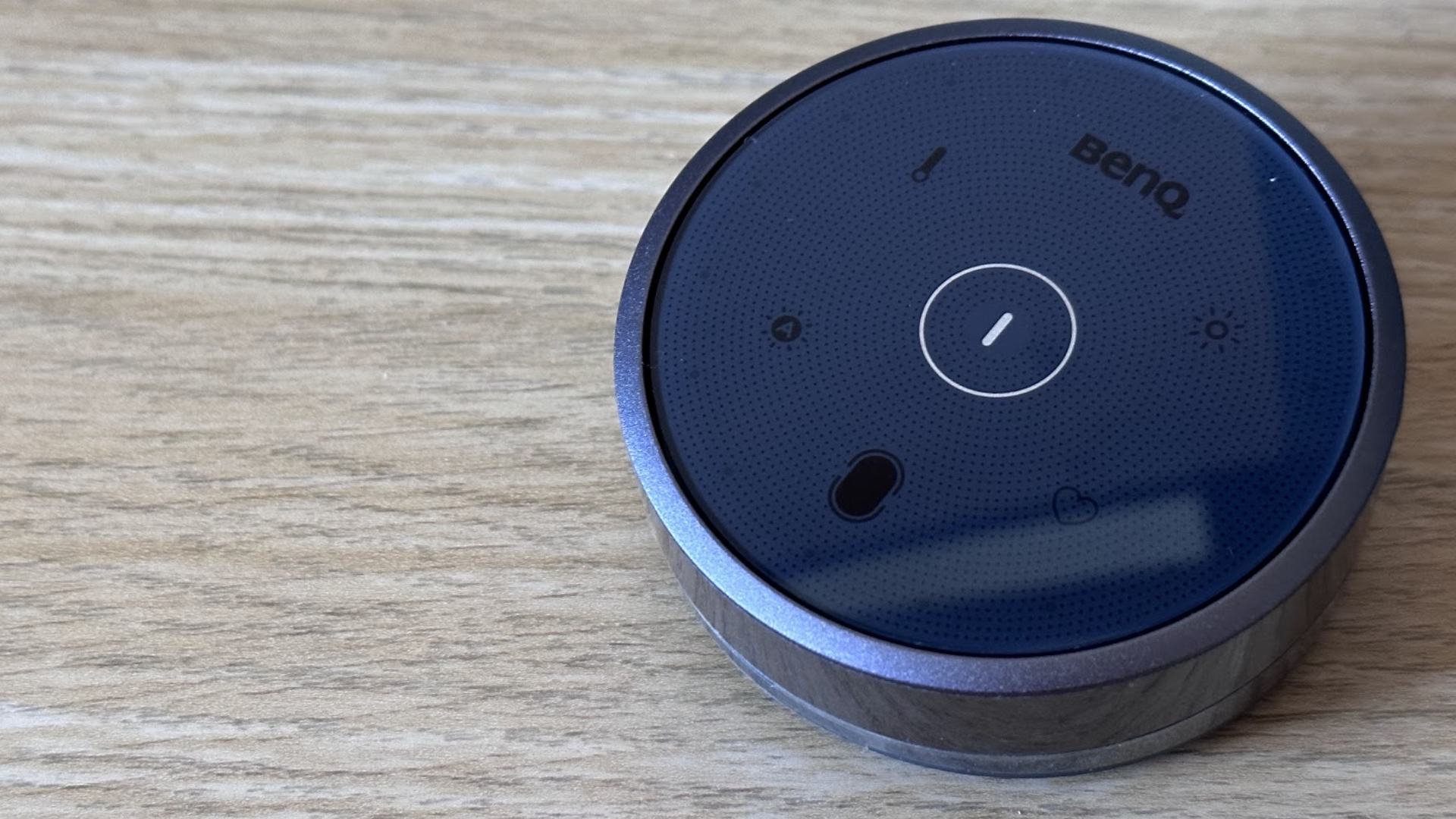
So, definitely shop around for what makes the most sense for you. As an example, this Razer Monitor light bar has Matter support packed into it, but requires some finicky software and an app - I’ve simply never used it, and you probably shouldn’t have to do that for a strip of lights. So, while some monitor light bars are crammed full of features, use your own discretion to pick something out that is perfect for you.
So, where does that leave us? The market is very segmented, and you’ll have to shop for something specifically for your setup. In my personal experience, it’s elevated the comfort of my desk immensely, and is often overlooked by many. Right now, I can firmly say that I really can’t live without one anymore, and if it breaks, I’ll likely just get a new one instead of a standard lamp. Just don’t overspend on one unless you’re a huge BenQ fan or have the dollars to burn.
Above, we've listed a few name-brand options for you to check out. Just note that certain manufacturers, such as Quntis, also offer options for those with curved displays.

Follow Tom's Hardware on Google News, or add us as a preferred source, to get our latest news, analysis, & reviews in your feeds.







 English (US) ·