

Published Aug 8, 2026, 9:00 PM EDT
Carrie is a Senior Writer at ScreenRant who previously managed Geek to Geek Media and wrote for SwitchRPG. She is particularly knowledgeable when it comes to WoW, Diablo, and cozy games. She has a passion for supporting the indies and always enjoys sharing her passions with others through her writing.
A lot of people have been focusing on the new DLC that launched for Pokémon Pokopia, but alongside that paid expansion, the game added Update 2.0 for everyone to enjoy in their game. If you purchased the Expansion Pass and unlocked the Bubbly Basin DLC, you've probably been pretty focused on all the new Pokémon and items that you are finding under the depths of the ocean. However, without paying for the extra content, you still get the Dive ability for free, as well as a ton of other beneficial changes.
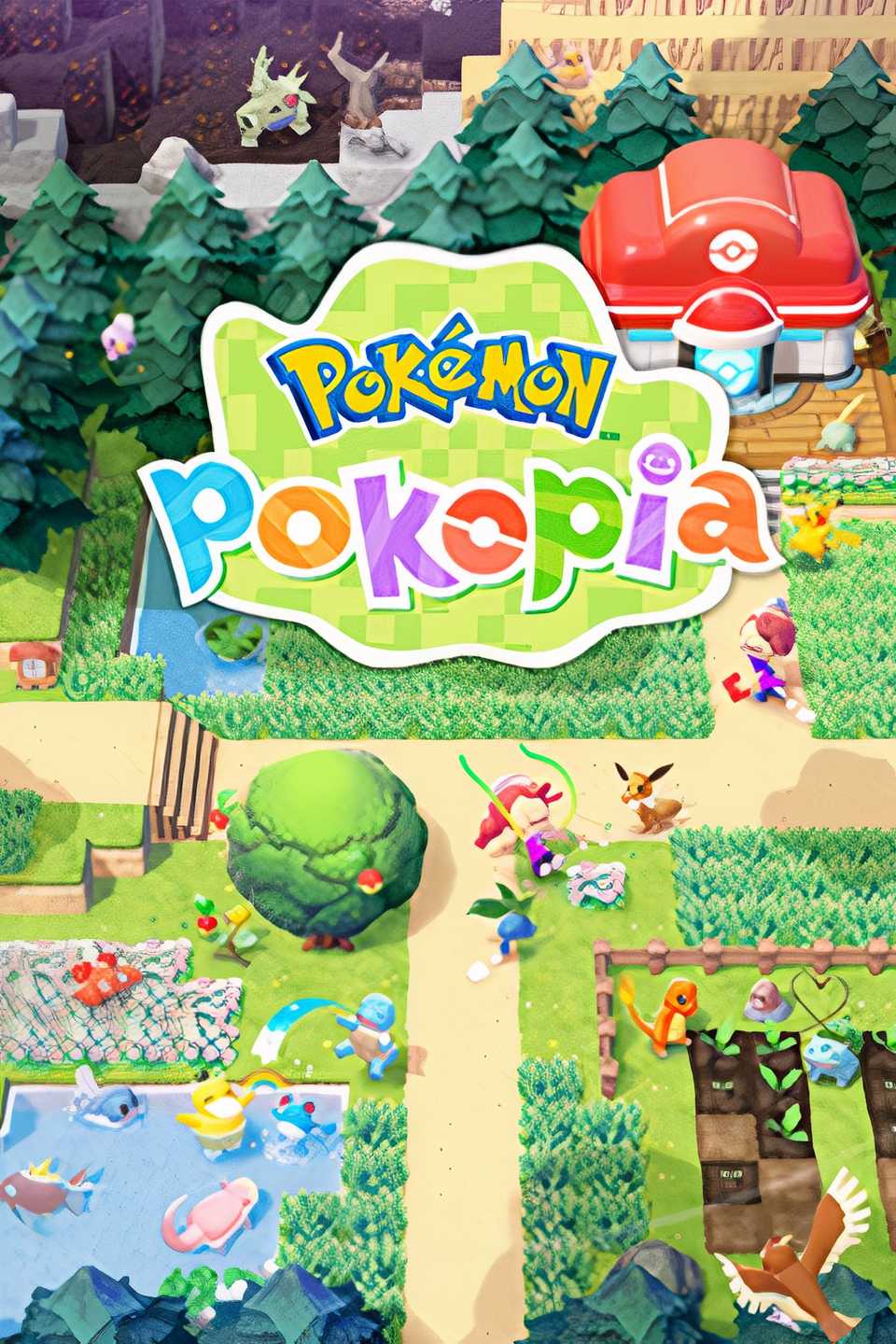
Pokémon Pokopia's cozy gameplay allows you to spend your time as a Ditto building homes for your fellow Pokémon, decorating and revitalizing the towns, and more. This can give a near-endless source of fun, and the free quality-of-life upgrades in Update 2.0 can help make that experience even more enjoyable.
Everyone Gets The New Dive Ability

Nintendo announced months ago that the Dive ability would be provided to everyone with Update 2.0, with or without the Expansion Pass. As soon as the game has been updated to 2.0, you can learn this ability by going to Bleak Beach. Professor Tangrowth should comment to you that there's a new island and then encourage you to go check it out.
Once there, you meet the starving mythical Pokémon Manaphy. Giving Manaphy some seaweed will make them so grateful that they'll teach you how to form a bubble over your head and Dive deep into the ocean. Even though you can't access the Bubbly Basin city without purchasing the DLC, there's still plenty to see and do under the water.
New Hair Colors And Ditto Print

In a game so focused on customization, building, and decorating, cosmetics matter. Of course, we know that Part 2 of the Expansion Pass will feature several cosmetics and updates to the game, but getting some of these kinds of things for free is always a welcome addition.
Update 2.0 for Pokémon Pokopia adds some character customizations of five new hair colors, which were much needed given how few options there were. These hair colors include:
- Orange
- Light Pink
- Yellow-Green
- Blue-Green
- Light Brown
You can change your look easily by clicking on any of the mirrors in-game, so it's simple to try out the new looks.
Also, there is a new dynamic Ditto print that can be unlocked by talking to Smearguru. If you have the Bubbly Basin DLC and search hard enough, there's a hidden room in the area that beautifully shows off this new print.
Increased The Limit Of Power Generators And Photos

The limits on some things in Pokémon Pokopia could prove to be frustrating to some, particularly when it came to generating electricity and placing photos around homes and locations, which was a fun little way to make screenshots matter. Update 2.0 has increased both of those specific limitations to help ease that burden.
Now, instead of only having 64 power generators, you can have 128, which should light up your cities much better. Also, instead of only letting you use 10 of your photos in frames around an area, you can now show off up to 40 different screenshots.
Pokémon Are Smarter Now

Let's face it, Pokémon in Pokopia could be a bit overly dramatic sometimes. Simply trying to change a wall of their home could make every Pokémon living there immediately declare themselves to be homeless. Or, removing a beloved chair from their habitat would make them throw a bit of a temper tantrum.
Now, while they still may rush over from wherever they were so they can make comments about the changes, if you restore their home by replacing the missing wall or put an object back, they will happily adjust. Thanks to the new update, they will realize their home is still standing, and you won't need to ask them to move in again or otherwise soothe their dramatic little souls.
Even More Items Can Be Painted Now

Painting is a crucial feature of customizing in any cozy life sim game, particularly in Pokopia. Now, not only can Smearguru easily learn patterns from the photos you have stored in references, but there are also even more items that can have a bit of a makeover with paint.
In addition to everything that could be painted already, now we can paint the stylish stool, handrail, metal chain, workbench, vending machine, bike, bookcase, Pokémon Center counter, arrow sign, and rope.
Build Anything Underwater

Obviously, with Bubbly Basin bringing us to an entire city underwater, Pokopia needed to adjust by allowing things to be built under the waves. Even without the DLC, players can make use of their Dive ability to build houses deep in the water.
Pokémon who aren't able to swim may not be able to reach them, but others who are constantly complaining about the lack of humidity may find a fully submerged house to be the perfect spot. And if they still complain about humidity, then we really can't help you.
Appraise Multiple Lost Relics At A Time

While I love getting Professor Tangrowth to appraise Lost Relics and enjoy the excitement of seeing what silly new item will be revealed by my searching, I have to admit that I'd stopped even asking. Before Update 2.0, bringing multiple Lost Relics to the Professor meant clicking through the entire dialog again and again for every new item.
Thankfully, now Pokopia makes this much quicker by allowing Professor Tangrowth to appraise Lost Relics in batches of 10. This should not only speed things up, but also allow players like myself to stop hording all the unappraised relics in our storage boxes.
You Can Bulk Move Items Between Bag And Storage Box

Storage is a never-ending issue in any video game. In Pokémon Pokopia, a few big complaints are being addressed, however. With the new content update, players can now bulk move items from their bag to storage boxes, such as making all items from you bag that are also in the storage box be easily transferred with one simple click.
We can also now delete items by placing them in garbage bins, so when you have 5,000 stacks of sand, you can get rid of them rather than having junk storage.
And finally, while crafting, the workbenches will pull materials from the storage boxes before taking them from your personal backpack. This helps you not have to keep restocking your own bag if you want to keep things with you.
Placing Doors And Windows Just Became Easier

It may seem like a small thing, but for those of us who enjoy building lots of houses and buildings in Pokémon Pokopia, placing doors and windows could be a bit annoying. At least, it was before this update.
Now, when you go to place a door, window, or other similar items, you have the ability to choose the depth of the placement. So, if you'd like the window closer to the inside of the house, closer to the outer edge, or simply right in the middle, you have the power to control where it lands.

One of my biggest gripes when working on decorating one of the cities in Pokémon Pokopia was trying to find which area I had stored stuff in. For example, I may want to build something in Bleak Beach, but my lumber was stored in Withered Wasteland, requiring me to switch areas just to grab the materials I needed.
Now, that complaint has been alleviated thanks to the new Portal Pod. The shared storage unit has 80 slots that can be accessed from any Portal Pod in any area.
If you have the Bubbly Basin DLC, you can find it in the house with the green roof where you can take a picture of it to 3D print more, and, of course, take that one. Without the DLC, you would need to unlock the recipe by raising the environment level in Palette Town to Level 8 and spend 3,000 Life Coins to unlock the recipe in Pokémon Pokopia.
Released March 5, 2026
ESRB Everyone / Users Interact, In-Game Purchases
Developer(s) Koei Tecmo, Game Freak
Publisher(s) Nintendo, The Pokemon Company
Multiplayer Online Multiplayer





 English (US) ·